Finder2.0 User Guide |
www.flashforge.com
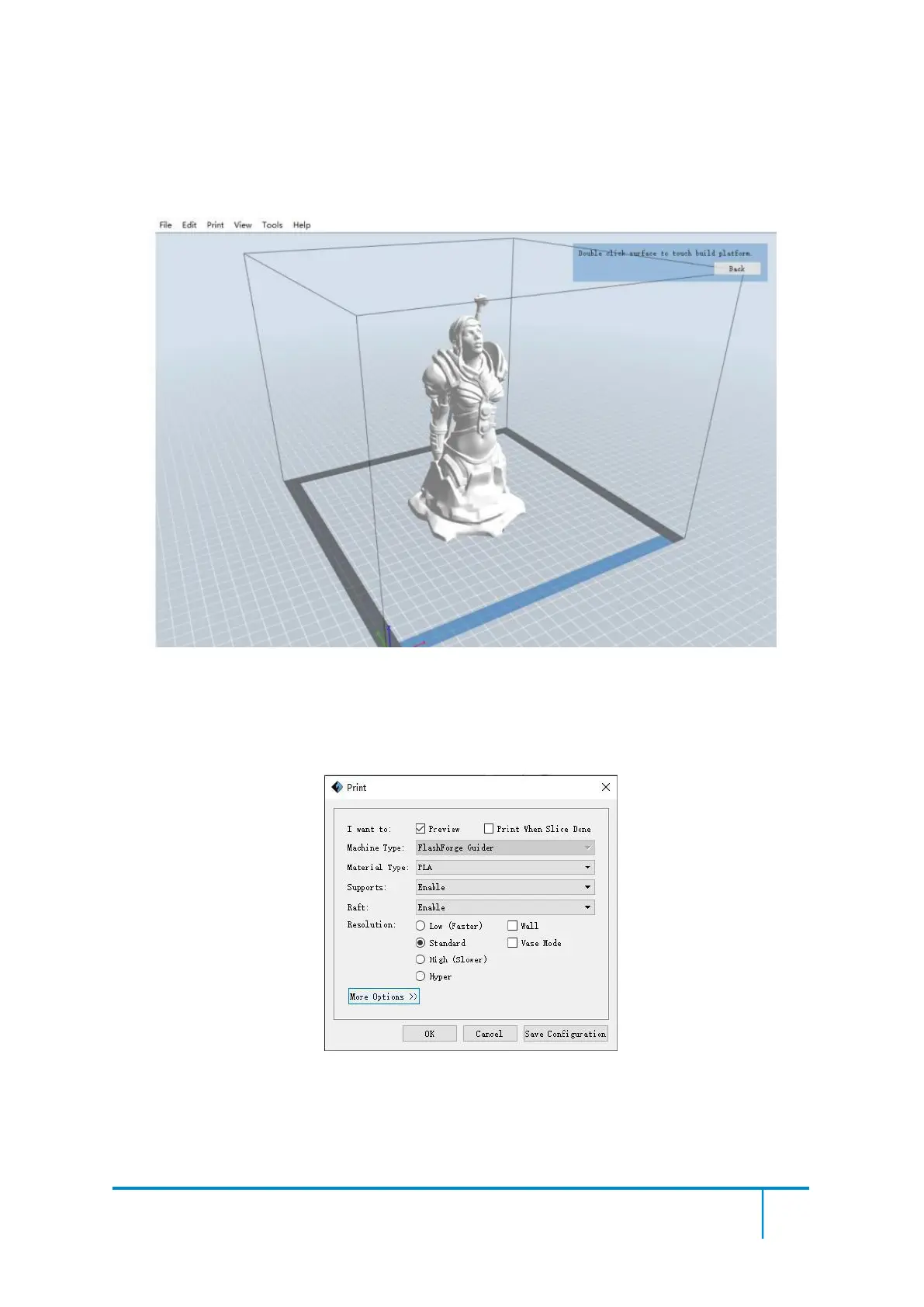
on the build area. Click [Back] and double-click the Move icon again, then click [On
the Platform] and [Center] to ensure the model be on the platform.
7-4
Note
:
If you’ve place your model in a right place, you can skip the step above.
(7-5) Click the Print icon on the top, you should make some setups for your print job.
7-5
Preview: If you check the [Preview] box, you can preview your model after slicing is
done.















 To Next Page