Finder2.0 User Guide |
www.flashforge.com
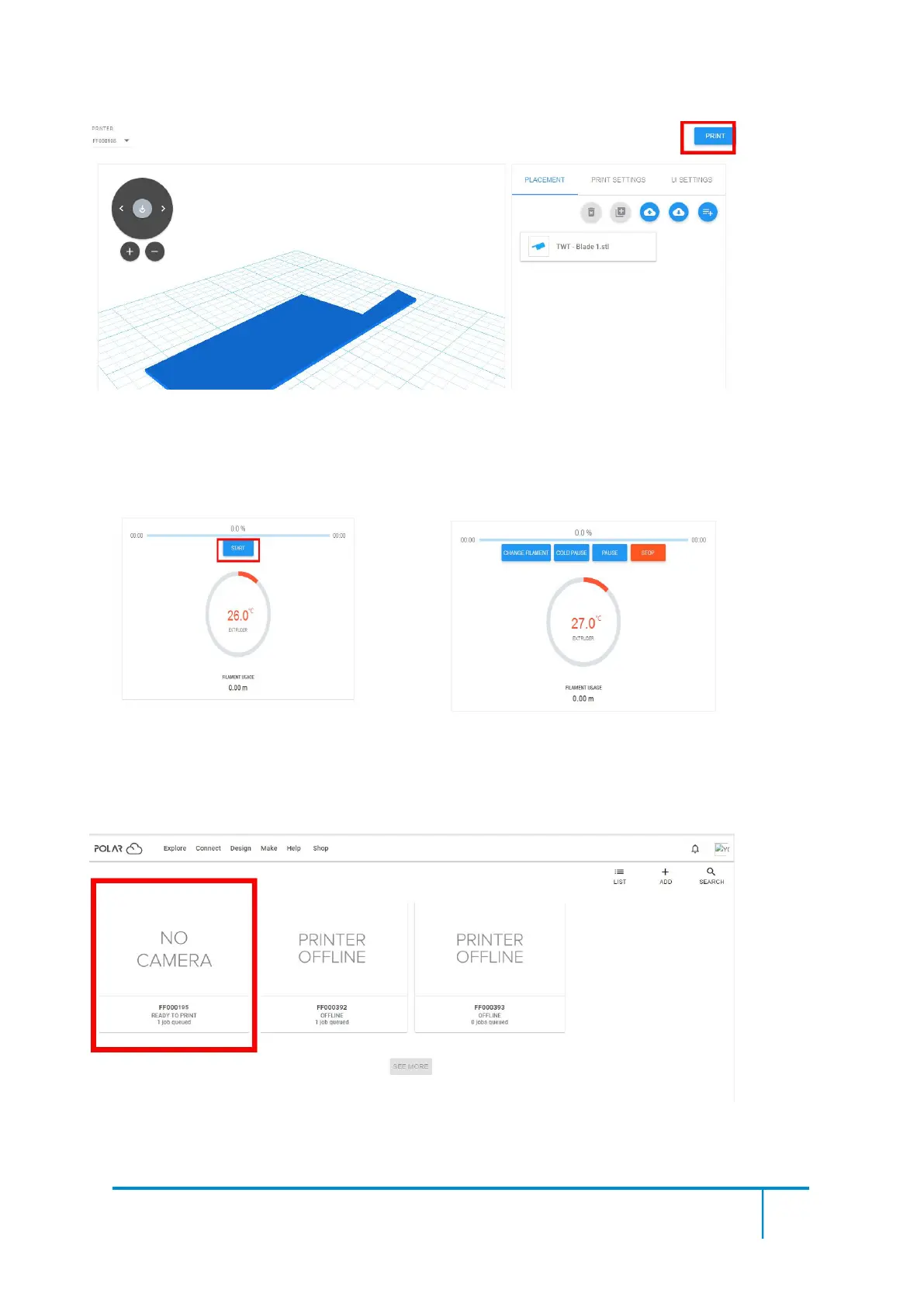
Tap【START】button,the printer starts downloading printing file automatically,after
downloading completed,you can interactively operate the printer on your computer, including
Change Filament, Pause, Stop etc.
4
)
More than one of the Flashforge printers can be added to a Polar 3D Cloud account,
Flashforge GuiderIIS/GuiderII,Finder2.0,InventorIIS/InventorII,Adventurer3 printers all
support Polar 3D Cloud connection.
5) By using Polar3D Cloud platform, you can create G-CODE printing job by uploading your
own sliced print files. Print files can be transferred to corresponding printer and printing will be
started automatically.















 To Next Page