Finder2.0 User Guide |
www.flashforge.com
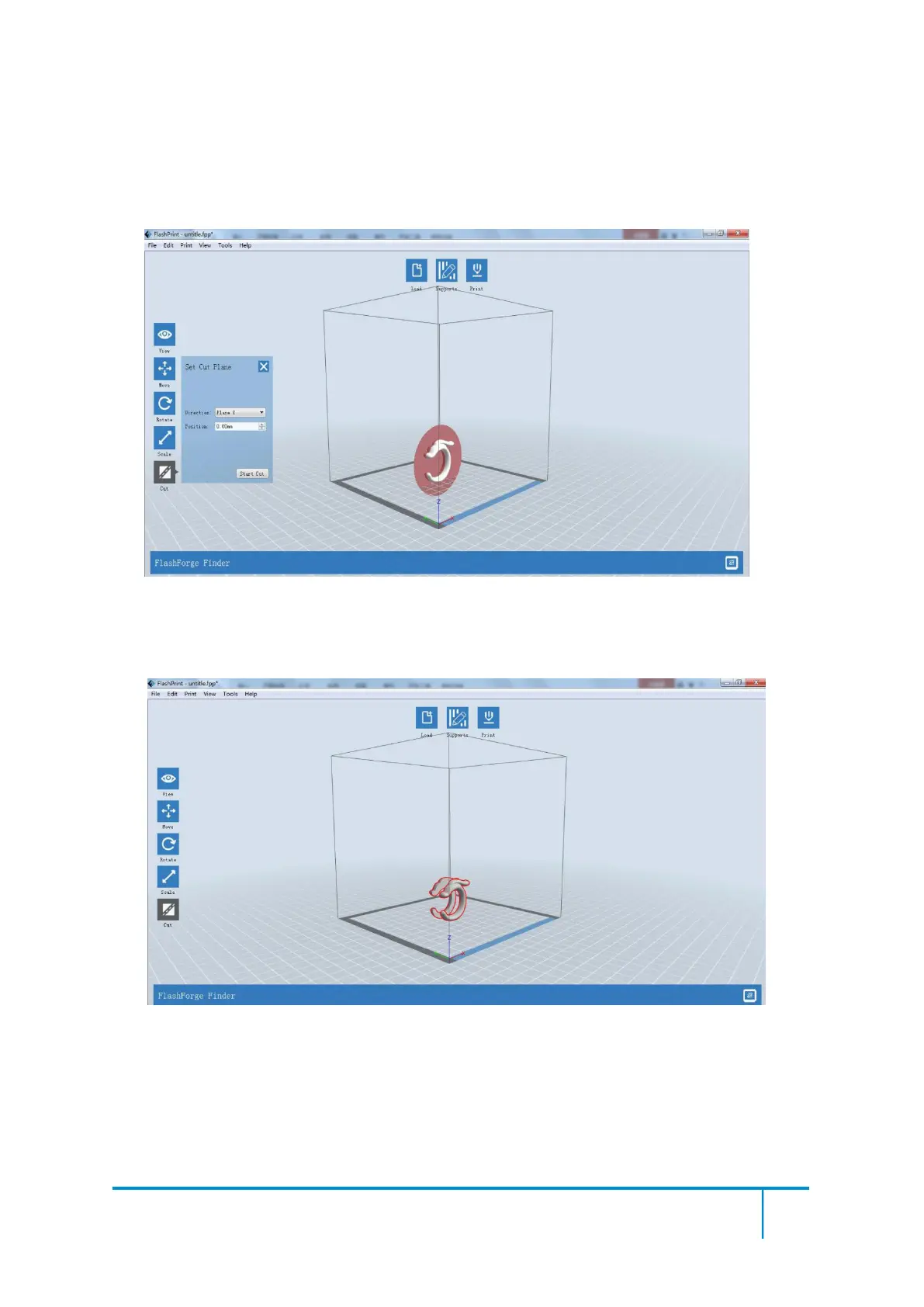
(8-17) Looking at the Picture 8-16, we will definitely find that the complex supports
will influence the smoothness of the model. By analyzing the model’s feature, cutting
from the Y plane will be suitable.
(8-18) The model preview after cutting.
8-18
(8-19) Click [Edit]--[Surface to Platform] to put the flat surfaces onto the platform.















 To Next Page