————————————————————————————————————————————
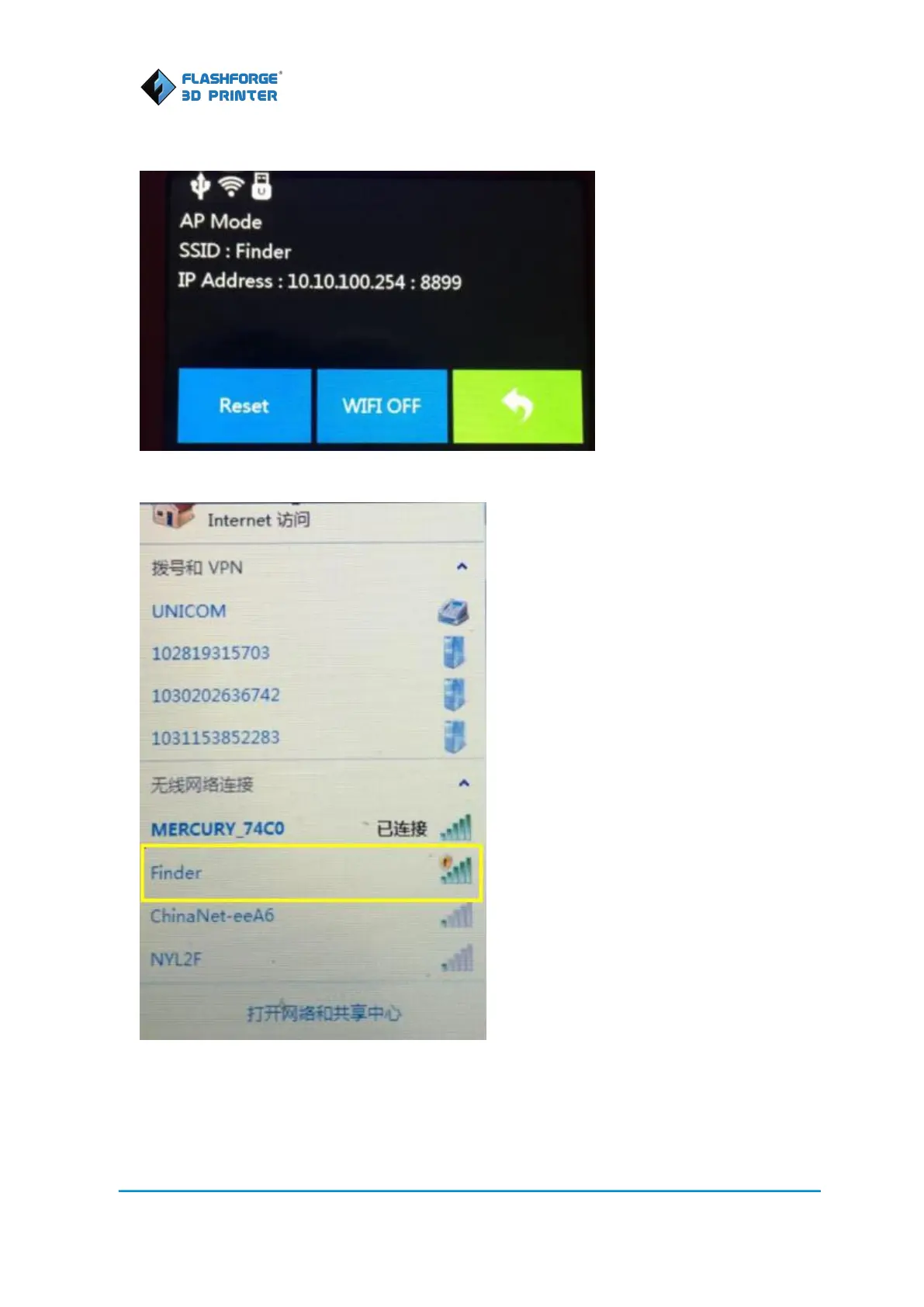
1. Turn on Finder. Tap [Tools]--[Setting]--[WIFI]--[WIFI ON] to turn on the WIFI.
2. “Finder” continuous signal will be found available on the network list.
3. Click Finder’s wireless network to connect. Once Finder is connected with your PC. Open your
Internet browser, enter“10.10.100.254”. Type the user-name and password to login. The default
user-name and password are both “admin.” The configuration page will appear after a successful
login.















 To Next Page