Finder User Guide | www.ff3dp.com
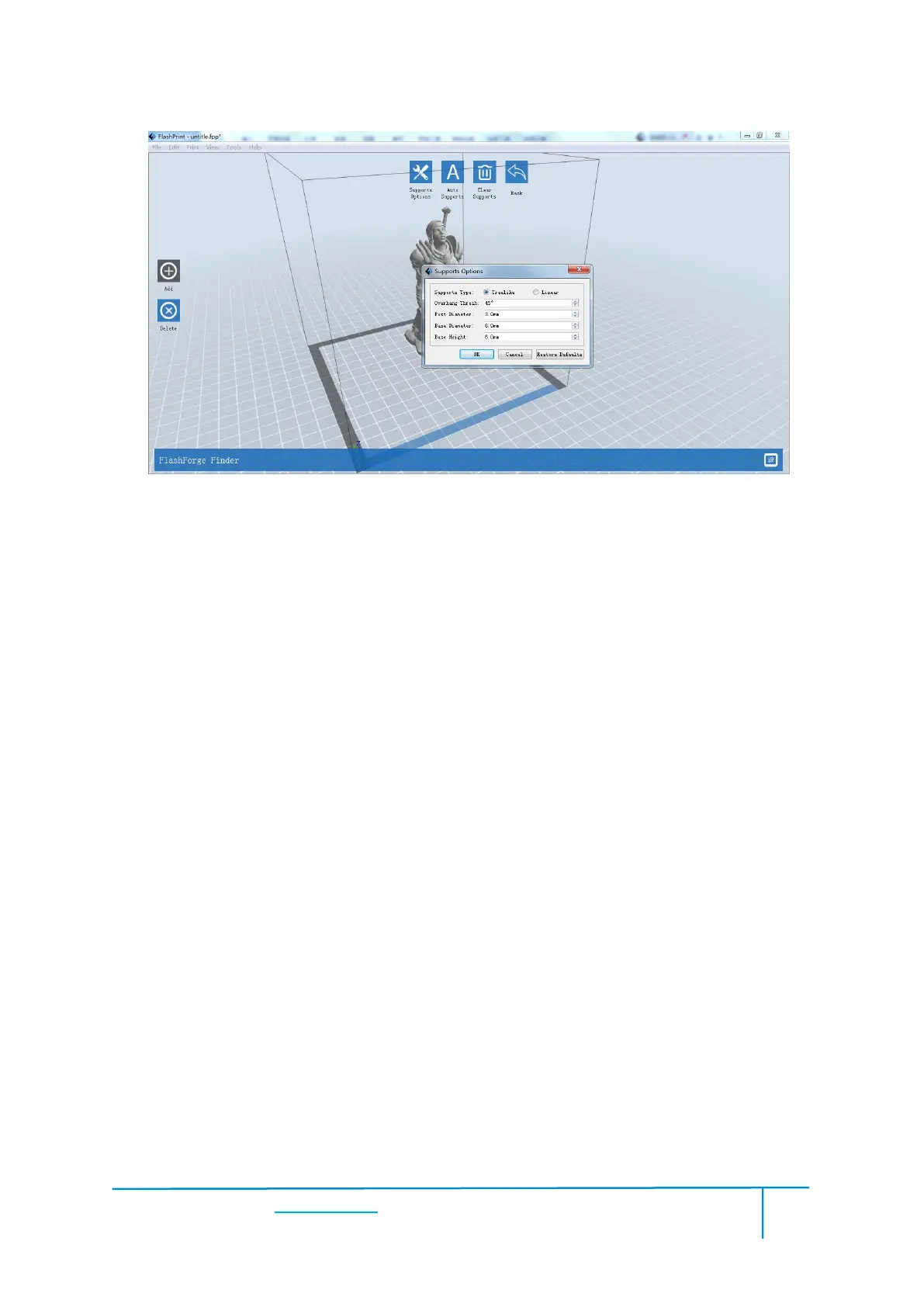
Click the [Auto Supports] button, the software will judge the position where supports
are needed and generate corresponding treelike or linear supports. If the model
already had support, the existing supports will be deleted and new supports will be
Supports will be added once clicking the [Add] button. Move the cursor to the
position where needs supports, left-click to choose the starting point of supports, hold
down the left mouse button and drag the mouse the supports preview will show up(if
support surface doesn’t need support or the support column angle is too large, will
highlight the support review ).Loosen the left mouse button, if support column doesn’t
meet with model, then support will be generated on origin and terminal point(the
highlighted preview support won’t generate support structure )















 To Next Page