Finder User Guide | www.ff3dp.com
d. Select WIFI mode as STA mode, and then complete the corresponding setups,
you can change the SSID(the WIFI’s name) and the password, select [Enable] in
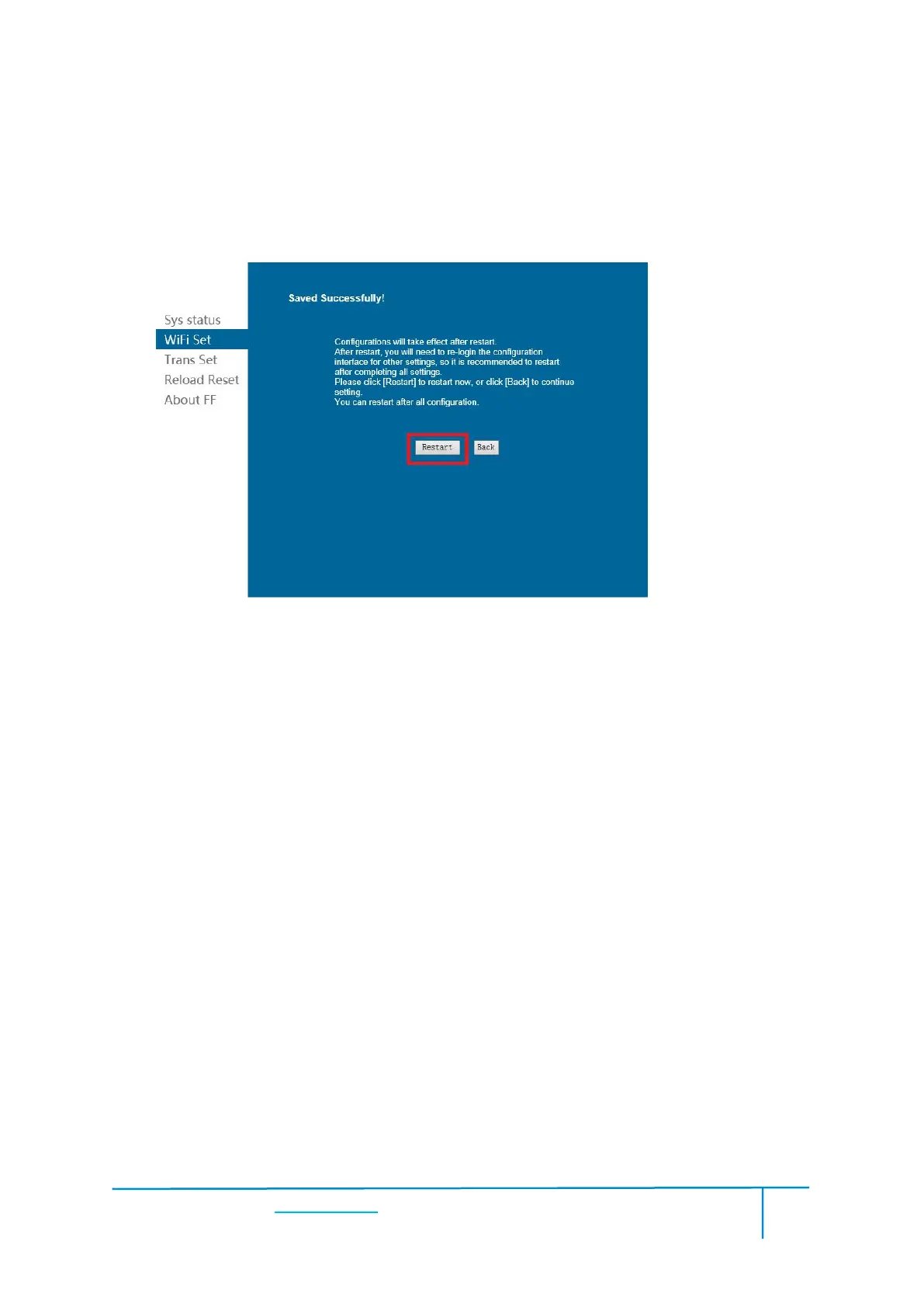
DHCP auto get IP, then click [Save]. The following interface will appear.
e. Click the [Restart] button. You need to restart your Finder’s WIFI. And then
your Finder will connect with your computer via the WIFI that you’ve set up.
Click [Print]--[Disconnect] to disconnect your PC and Finder.
After connecting PC with Finder, click [Tools]--[Control Panel] to open the control















 To Next Page