Finder User Guide | www.ff3dp.com
shows the current actual temperature of corresponding part. After start heating, the
below curve of temperature form will start to change, different color correspond
different parts’ temperatures
②
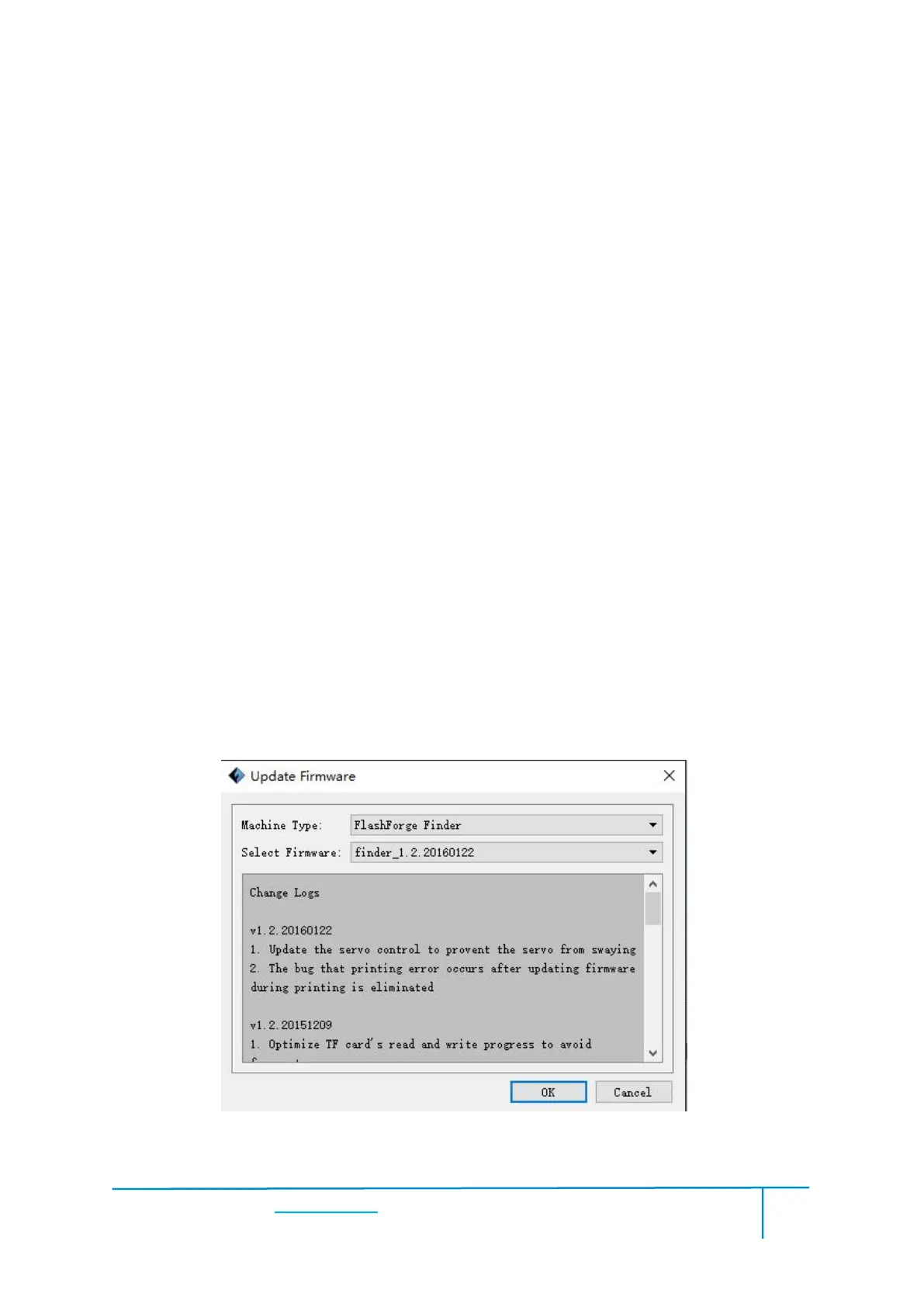
Update Firmware
Every time when you start Flashprint, it will automatically detect and download the
up-to-date firmware. If any update is available, a dialog box will pop up for reminding
Step 1: Click [Tools]--[Update firmware]. It needs to cut off connection before
updating firmware. If software and printer are already in connection, it reminds you
cutting off the connection, choose [Yes] and go on to the next step.
Step 2: Choose corresponding printer type and firmware version and click [OK] in
the firmware updating box. After confirming the printer is in free state, the software
will automatically update the firmware.















 To Next Page