Finder User Guide | www.ff3dp.com
transference, the printer will heat up automatically. And when heating finishes, the
print will start to build the model.
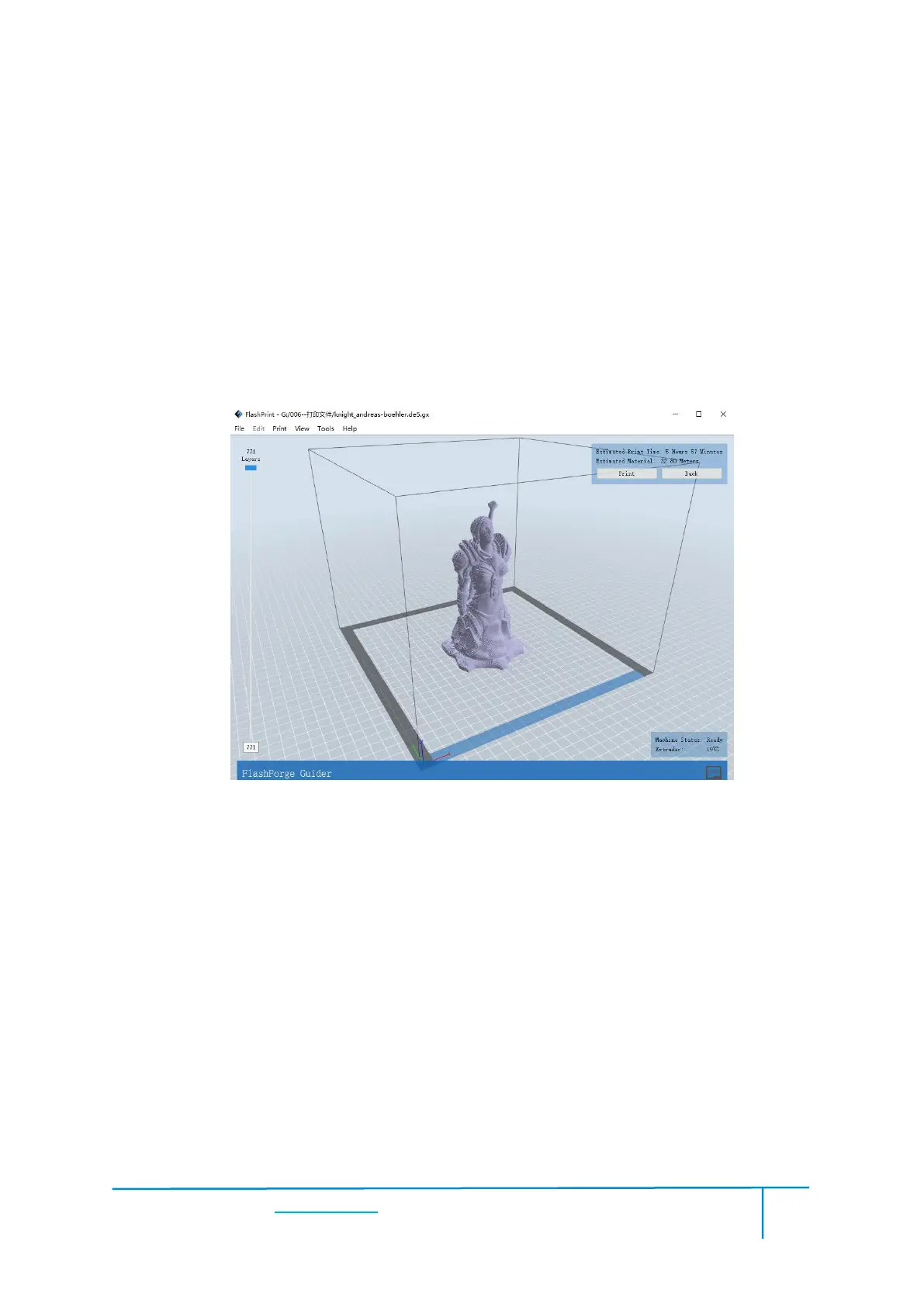
If you want to print a Gcode from a local folder, you just need to load the file into
Flashprint at the status of USB connection or WIFI connection, then click the
[Print] button on the top-right.
● Load the target Gcode file into FlashPrint.
● Click the [Print] button, the PC will transfer the Gcode file to the printer.















 To Next Page