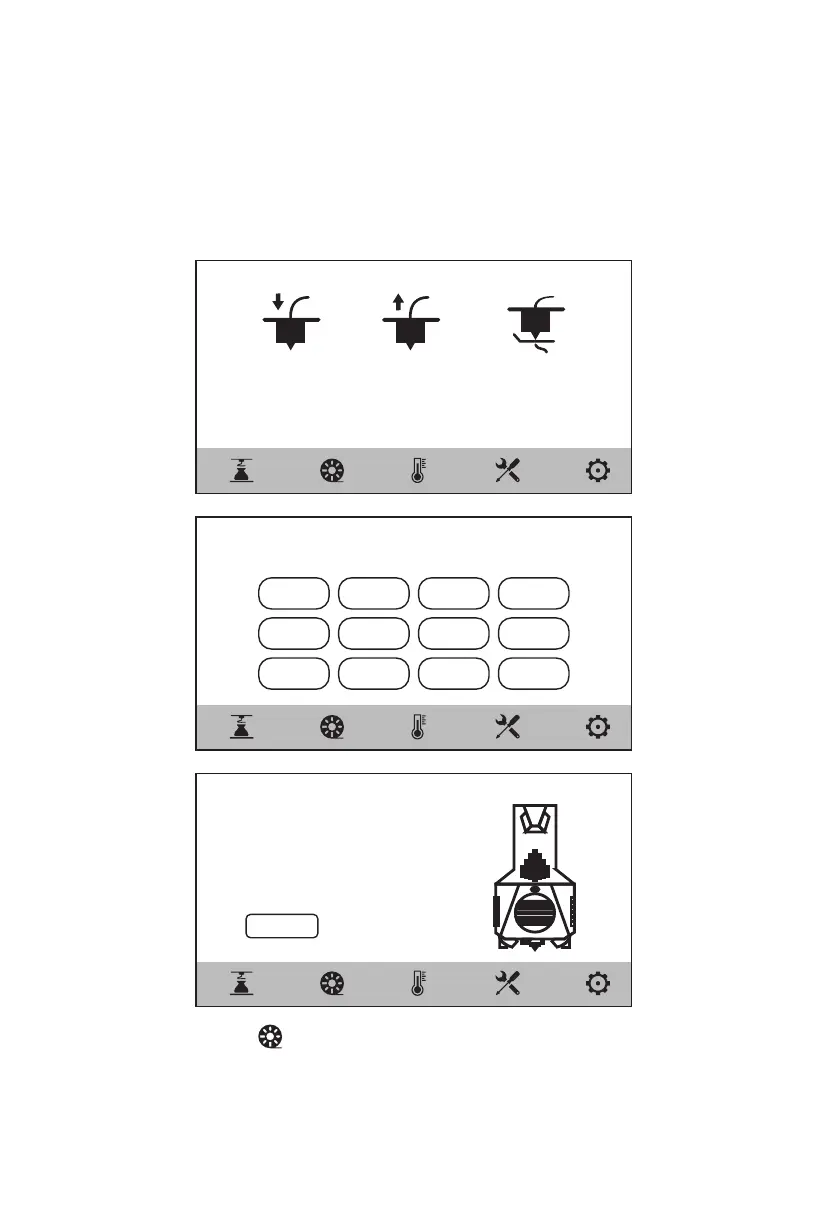
3. Click the [ ] - [Load] on the screen, select the corresponding
filament for the extruder, start filament feeding, and operate
following the screen prompts.
Load Unload Clean
< Load
PLA ABS
PETG PC
PA66 PA12
PP ASA
PC-ABS PAHT
PLA-CF PETG-CF
Customize
< Load
Customize
Extruder heating, please insert the filament into the
filament feeding roller as shown in the figure.
45/200℃
Cancel
09















 To Next Page