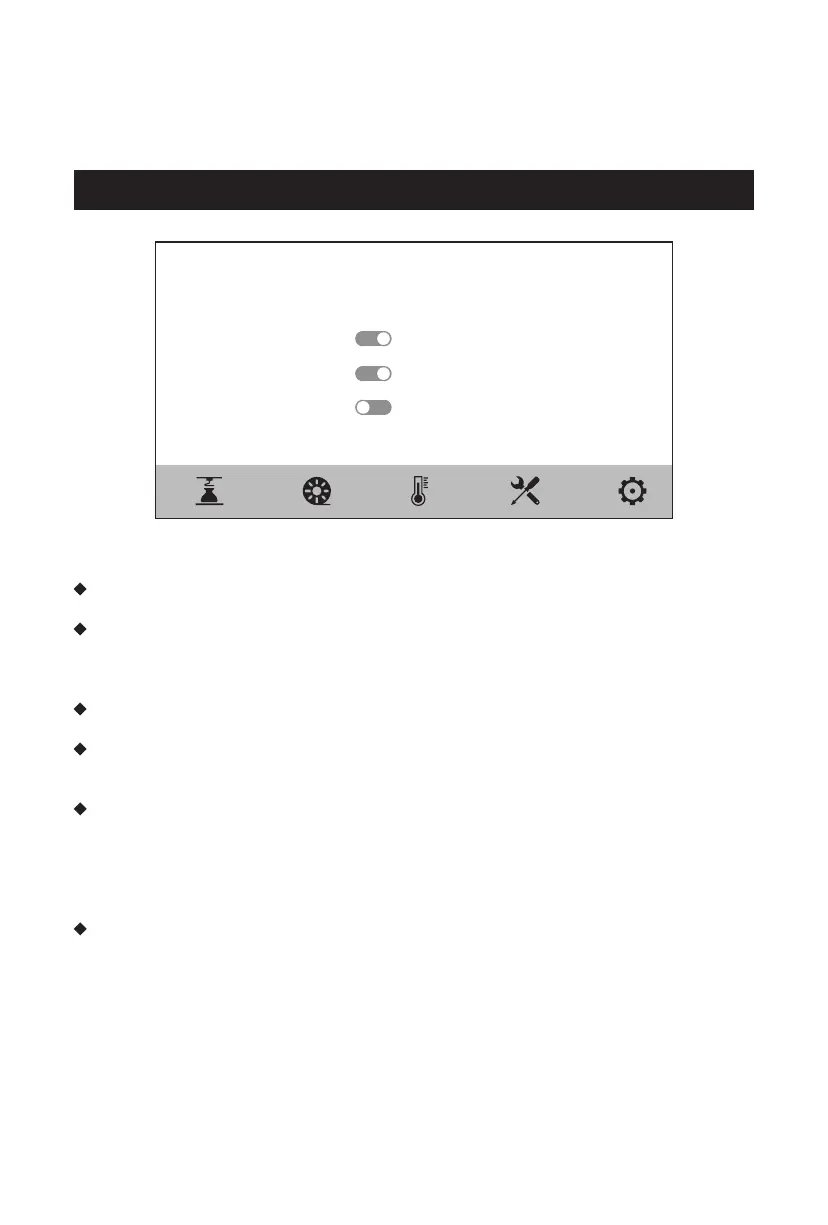
Settings
Machine Name
Filament Sensor
Recover Printing
Auto Shutdown
Air Filter
Guider 3 Plus
On >
Language
Platform Insulation
Box Light
Screen Brightness
Factory Reset
English >
5min >
On >
85% >
>
5.5 Settings Screen
The several functions can be turned on or off on the settings screen.
When the Filament Sensor function is turned on, the equipment will stop printing
when the filament runs out in the middle of printing.
When the Recover Printing function is turned on, if the device encounters a power
failure in the middle of printing, the device will automatically store the current
printing position data. Then it will proceed the printing of the current model after
the power is restored.
When the Auto Shutdown function is turned on, the equipment will automatically
shut down after finishing model printing.
When the Air Filter function is turned on, the fan on the back of the equipment will
be started; The front of the fan is equipped with HEPA filter cotton, which can filter
the dust and odor generated during printing.
When the Platform Insulation function is turned on, the platform insulation time
before and after printing can be set. When in the transition state of removing the
model, avoid increasing the time of reheating when the temperature drops. When
this function is turned on, the platform remains the heating state when removing
the model after finishing printing. Please pay attention to the high temperature
and preventing burns and scalds.
When the Box Light is turned on, the brightness of the light inside the chamber can
be adjusted.
18















 To Next Page