Level and
Calibration
Home Manual Internet Cloud
Camera About Status Maintenance Upgrade
2.4 Network Connection
Wi-Fi The wireless network is turned off.
< Internet
2.4.1 Wired Network Connection
1. Plug the network cable into the network cable port on the back of the equipment.
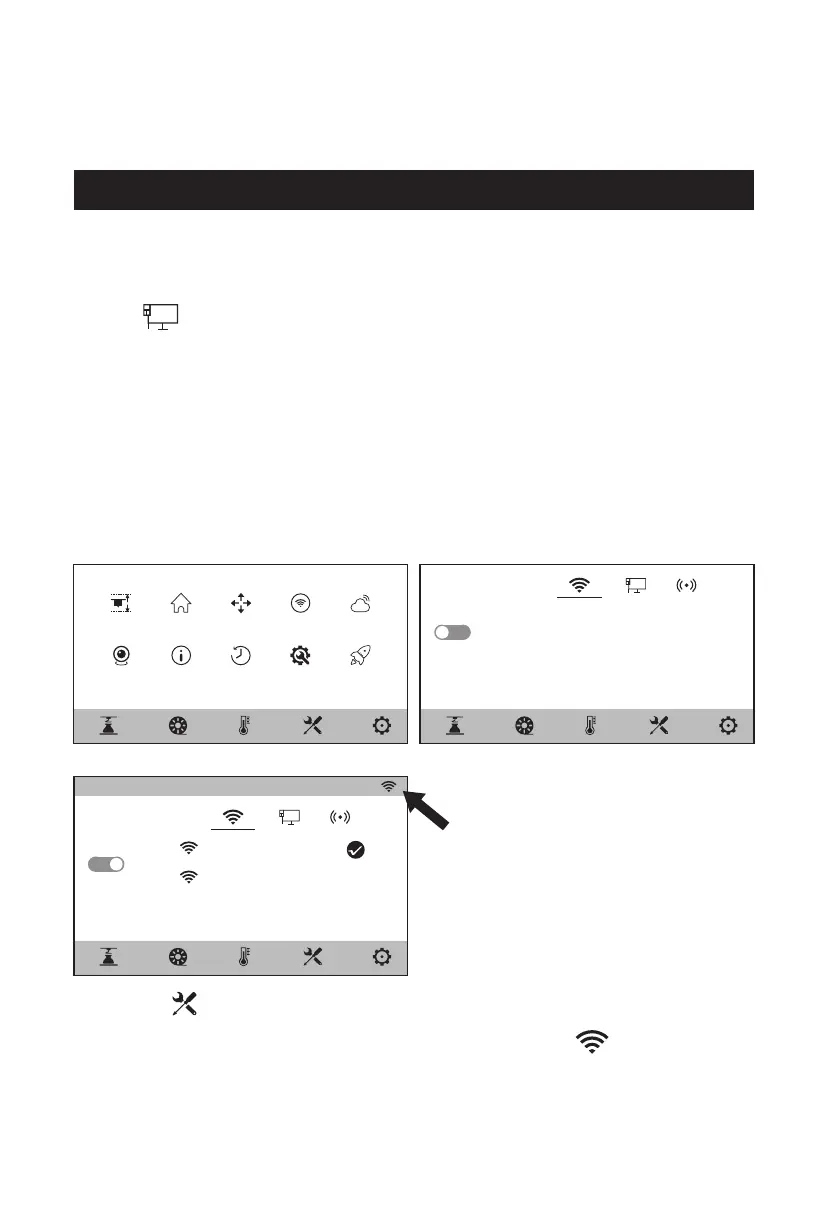
2. If the [ ] icon appears at the upper right corner of the screen, it indicates
that the network is successfully connected.
1. Click the [ ] - [Internet] on the touch screen, and select the "Wi-Fi".
2. Click to connect to the corresponding wireless network. If the [ ] icon
appears at the upper right corner of the screen, it indicates that the network
is successfully connected.
2.4.2 Wireless Network Connection
Please make sure Wi-Fi is installed before connecting to the wireless network,
otherwise the wireless signal will be affected.
Wi-Fi
flashforge
flashforge
IP: 10.03.03.111
< Internet
11















 To Next Page