4. First Printing
4.1 File Transfer: Wi-Fi Transfer
3. Software Installation
Method 1: Find the installation package of the FlashPrint software in the USB flash
drive and select the corresponding system version for installation.
Method 2: Download the latest slicing software installation package from our official
Chinese website [www.sz3dp.com] or our official English website
[www.flashforge.com] for installation.
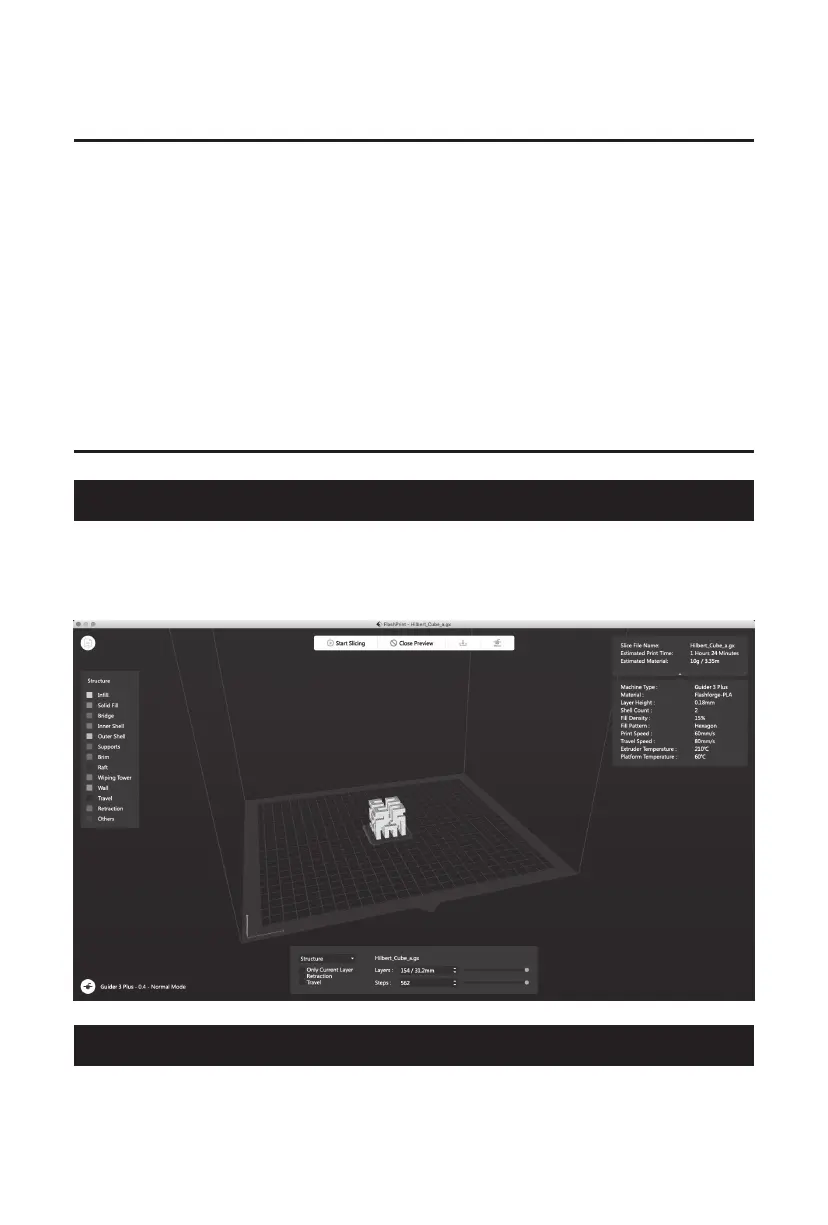
Import the file to FlashPrint for slicing, select the machine type as Guider 3 Plus to
connect to it [or by entering the IP address or by automatic scanning, while the IP
address can be viewed in the [About] of the equipment]. After completing slicing,
send the file directly to the printer for printing.
3D printing process:
Get the model file-Slice it with the slicing software - Transfer the file to the printer
for printing.
4.2 Printing From a USB Flash Drive
The equipment can perform printing via a USB flash drive: save the sliced file to the
USB flash drive, insert the USB flash drive into the equipment, and select the
corresponding file to print.
12















 To Next Page