2.3 Equipment Calibration
Please proceed in the following order::
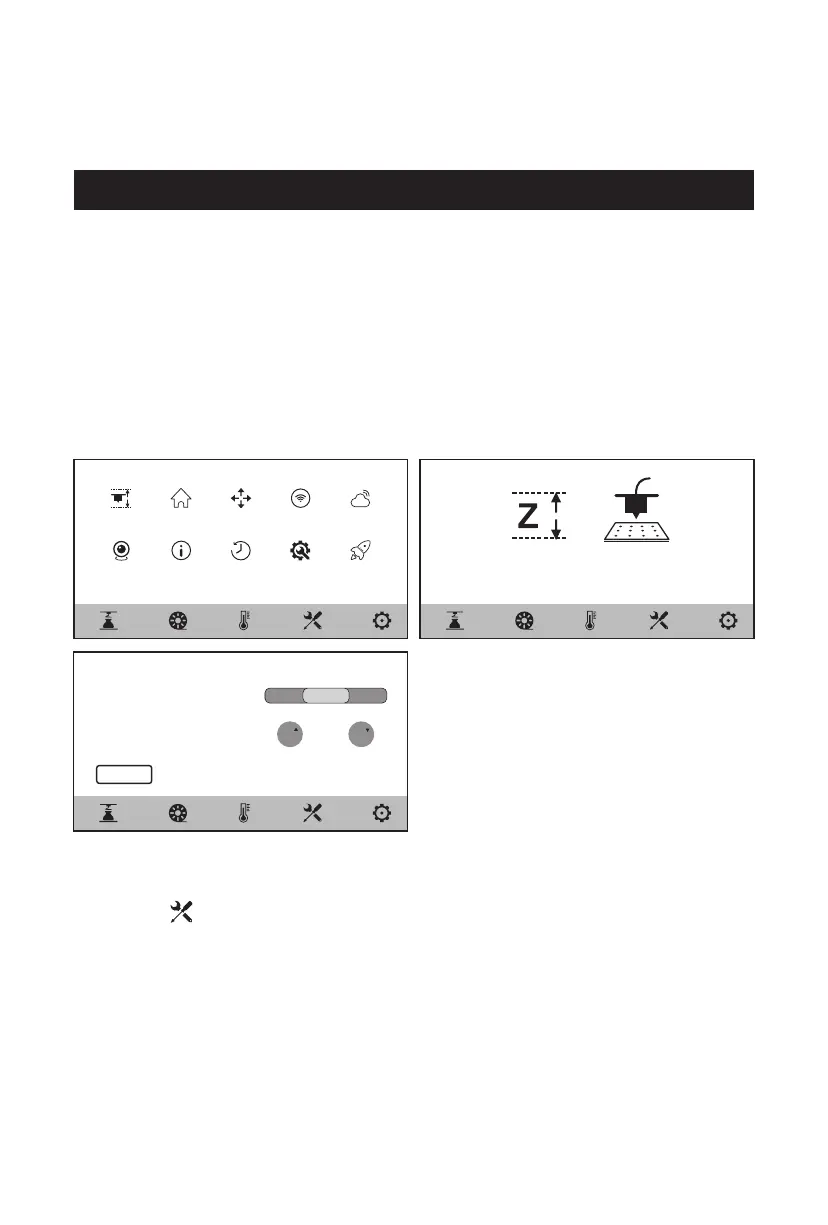
1. Click the [ ] - [Level and Calibration] on the touch screen;
2. Select the [Z Calibration];
3. Perform Z-axis calibration and operate following the screen prompts.
Level and
Calibration
Home Manual Internet Cloud
Camera About Status Maintenance Upgrade
Auto LevelZ Calibration
< Z Calibration
Please insert the leveling card between
the nozzle and the platform, chick the “z”
button, and the appropriate position is
when you feel slight friction during sliding
the leveling card. Click the “OK”.
OK
0 .1
0.3
0.05 0.5
Z Z
The equipment includes the following leveling and calibration operations:
Auto Level, Z Calibration
The equipment has been leveled and calibrated before leaving the factory, so it is
generally unnecessary to perform calibration again. However, the leveling plane
may be damaged due to the vibration generated during transportation. It is
recommended to perform a Z-axis calibration before use.
10















 To Next Page