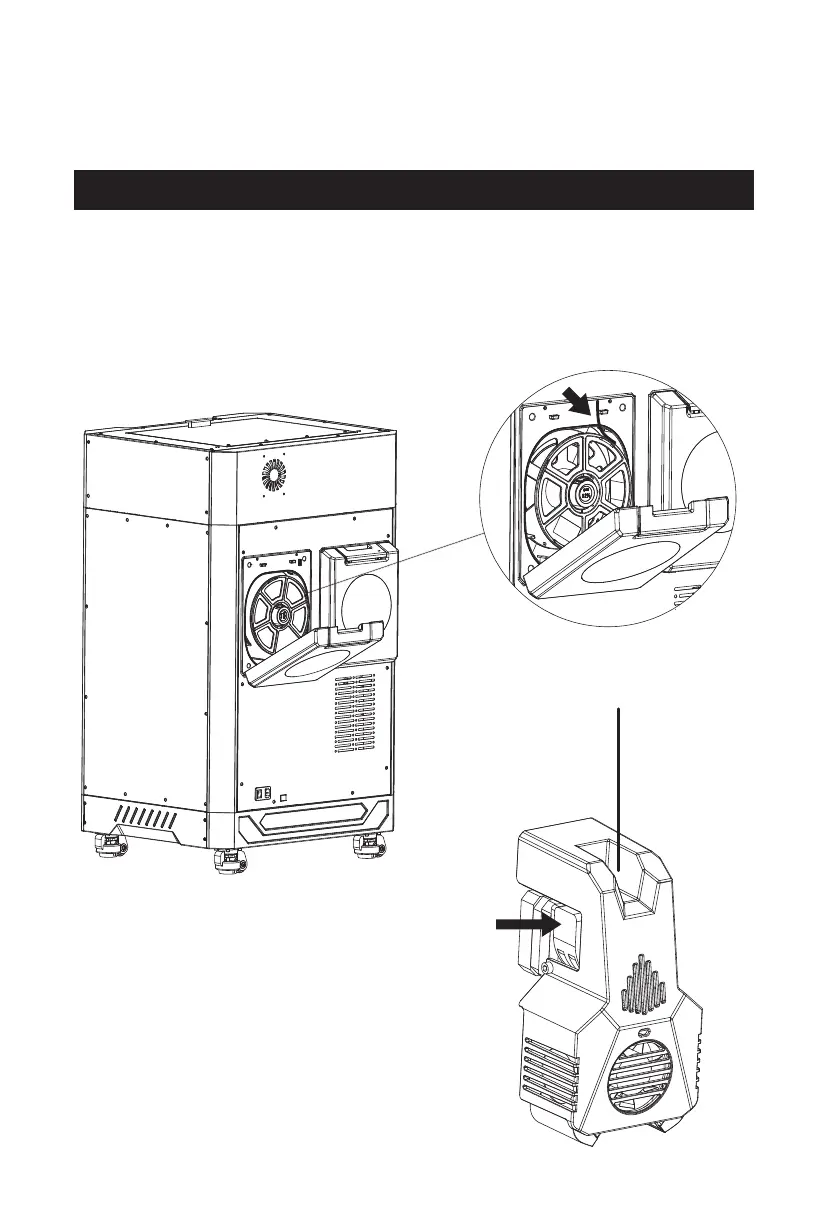
2.2 Filament Loading
1. Open the filament chamber, put in the filament and pass the filament through the
corresponding filament sensor at the top of the chamber inside until the filament
is visible from the other end of the filament guide tube; [Note: When printing,
please put the filament in the left filament chamber for use.]
2. Press the filament feeding handle
on the extruder to insert the filament
into the extruder;
Filament
Handle
08















 To Next Page