FT-112(D) Panel Weighing Indicator, Technical Manual, Rev.1.0.0, May 2019 Page 42 of 170
Quick Access to frequently Used Parameter Blocks
The instrument supports fast access feature to the frequently adjusted parameters for easy usage or service.
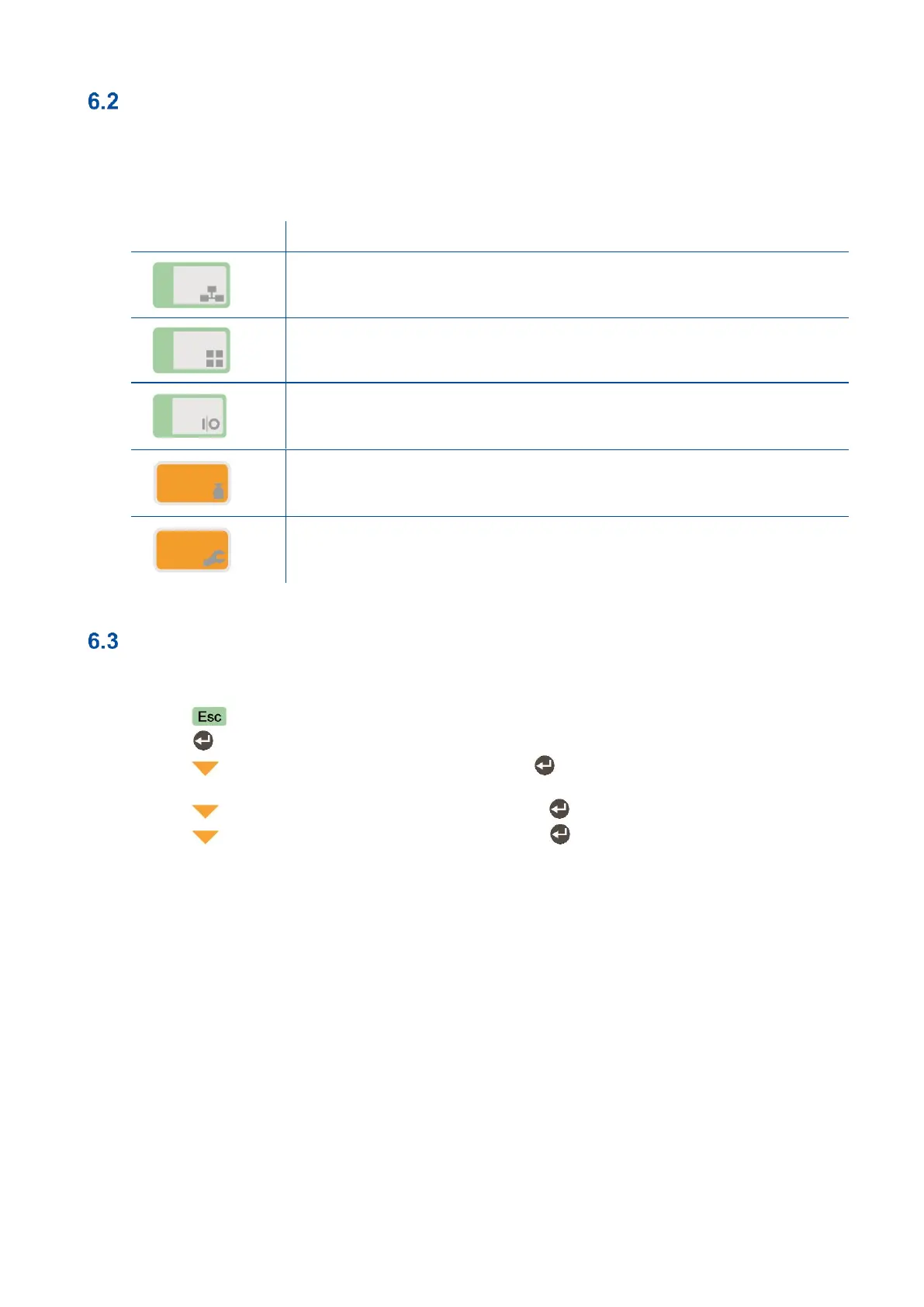
As described in the previous section, if you press the keys below for more than 2 seconds at main block
[1—INTERFACE ], you will access to the parameter blocks fast.
Press this key to access the fieldbus parameters, Sub-block [ 19- ].
Press this key to access application parameters, Sub-block [ 31- ].
Press this key to access the digital inputs and outputs parameters, Sub-block
[ 35- ].
Press this key to access the calibration, Sub-block [ 621].
Press this key to access the diagnostic parameters, Main-block [9--].
Exit from Programming
Exit from programming after set-up the scale and calibration as described below.
1. Press key until [ SAVE : YES ] prompt appear on the display.
2. Press key to save the changes into the memory or
3. Press key to change item to [ SAVE : NO ], press key to leave programming without saving
the changes or
4. Press key to change item to [ SAVE : BACK ], press key to return to the menu or
5. Press key to change item to [ SAVE : TEMP ], press key to store the changes until the
power off the instrument.
[ WAIT ] message will be shown on the display for a little while, and the weighing indicator returns to the
weighing mode.
WARNING: Don’t forget to switch off the instrument and bring the calibration DIP switch to the position “OFF”
before using your scale in trade.



 To Next Page