Operating the Machine
52
04/03/2020 218333
6.6 Changing Drilling Parameters
Changing speed
The spindle speed can be changed at any time during a process.
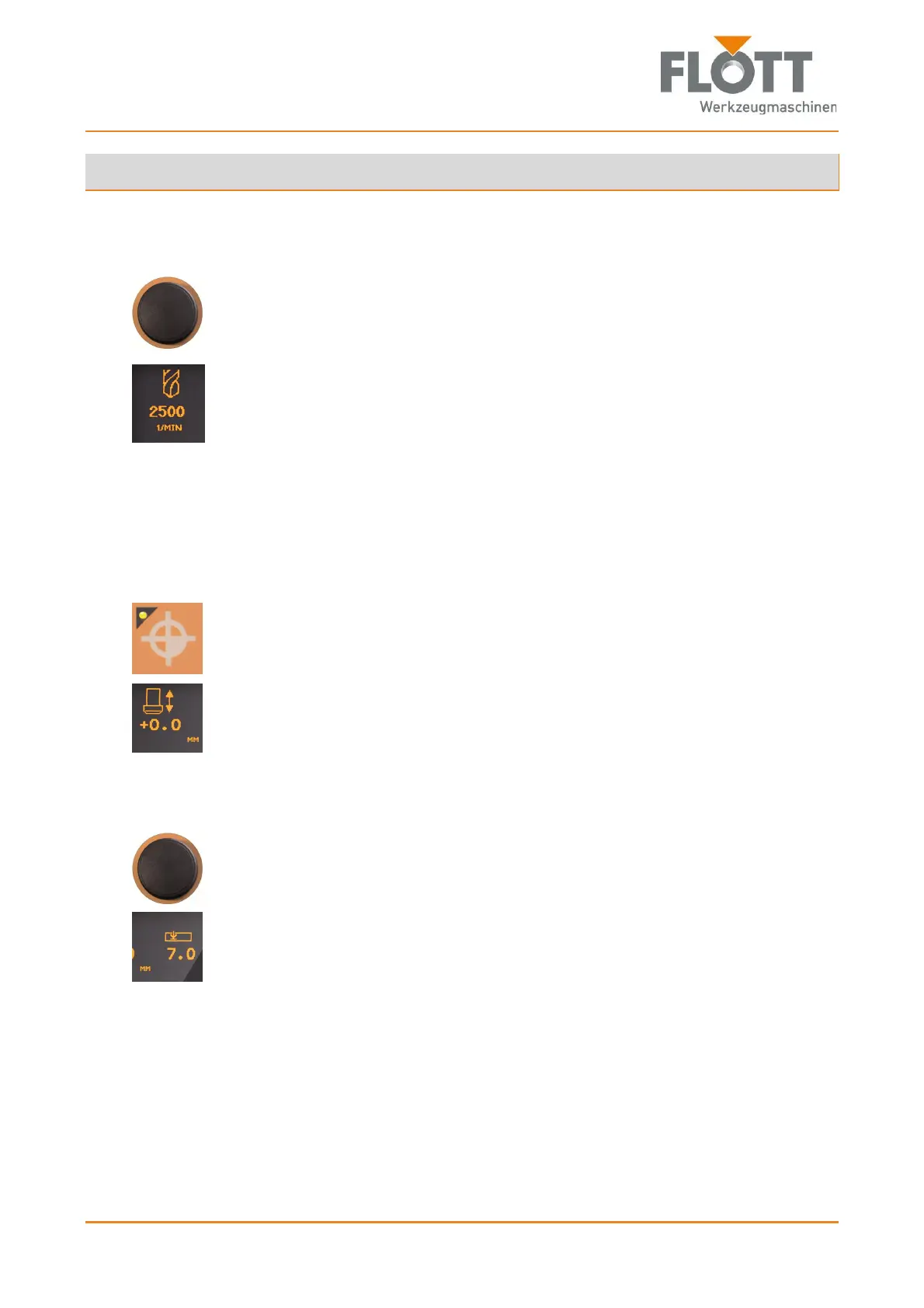
Adjust the speed accordingly by pressing the rotary switch/push-button
Set the speed (rpm) by turning slowly and
Apply the speed in the control system by pressing.
The set speed is shown in the display.
Changing the zero point
The zero point (workpiece surface) can be changed at any time during a pro-
cess.
1. Use the drill lever to slowly more the tap tip to the workpiece surface while
pressing down on the drill lever.
2. Press the push-button to transfer the zero point to the control system.
The lamp lights up when the zero point is stored in the control system.
The set zero point is shown in the display.
Changing drilling or threading depth
1. Turn the rotary switch/push-button until the drilling depth parameter flashes.
2. Set the required drilling/tapping depth by pressing the rotary switch/push-
button
Set the drilling/tapping depth (mm) by turning slowly
or
move the drill lever to the desired drilling/tapping depth and
Push to apply the drilling/tapping depth in the control system.
The set drilling/tapping depth is shown on the display.
After that, the speed adjustment of the control system will be activated
again.


 To Next Page