Operating the Machine
54
04/03/2020 218333
6.7 Calling up the Operator Menu of the Control System
The control system has various operator menus, which are shown on the dis-
play and in which you can set parameters. For this, the machine must be in
Stop mode.
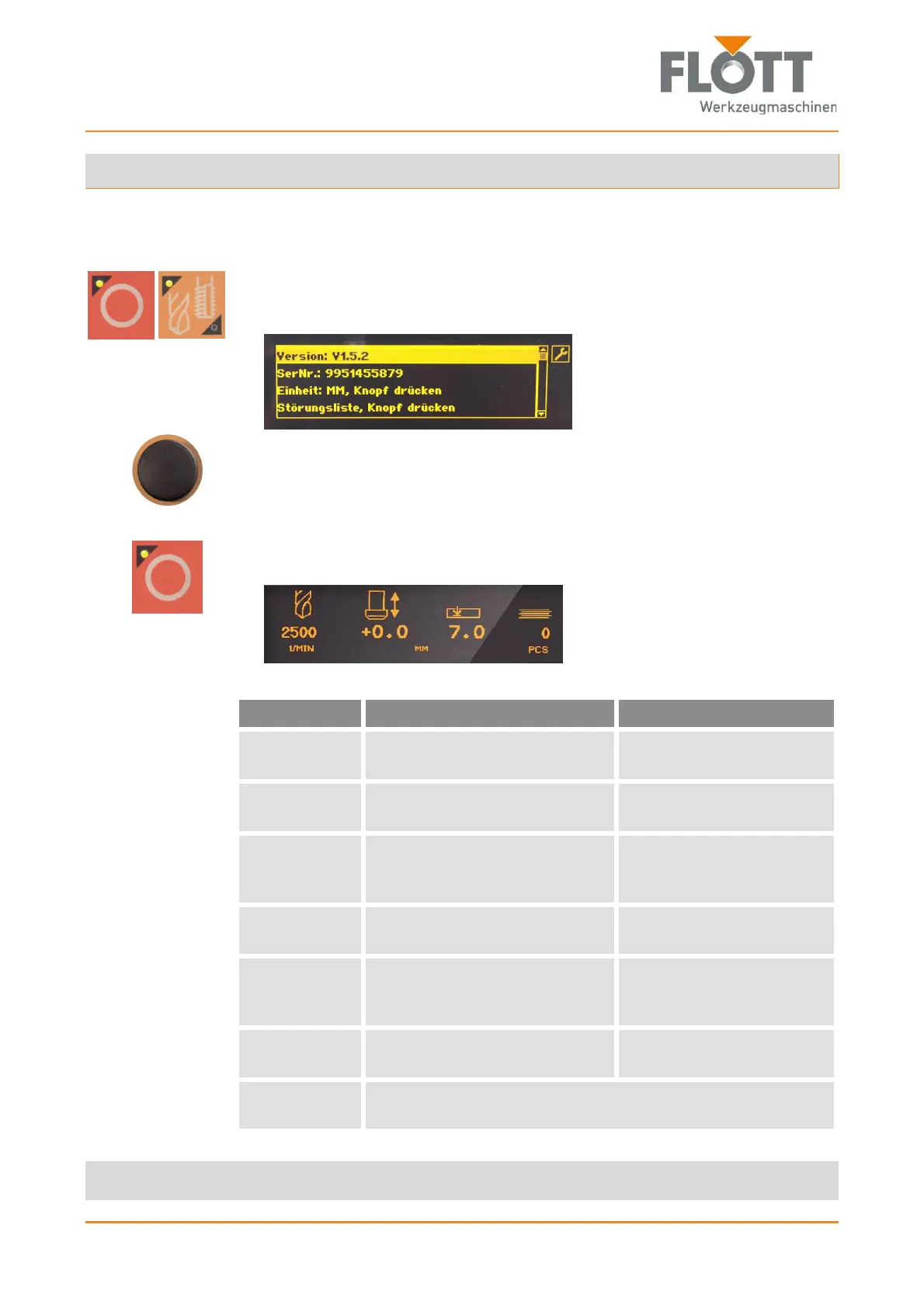
1. Simultaneously press the two push-buttons to switch to the operator menu.
After that, the operator menu appears on the display, which can be recog-
nized by the ring spanner icon.
2. Select the desired submenu by turning the rotary switch/push-button slowly
to select the submenu (highlighted in yellow). Please note the information in
the following table.
3. Select the desired parameter of the submenu by pressing the rotary
switch/push-button.
4. Press the push-button to exit the operator menu.
Then the normal display appears on the display.
Submenu Function Setting
Version Displays the software version
loaded into the control system.
Display only, no setting
possible.
Ser. No. Displays the serial number of
the control panel.
Display only, no setting
possible.
Unit Defines the measuring unit of
the machine for zero point and
drilling depth.
Measuring unit mm
Measuring unit inch.
List of mal-
functions
Displays all errors that have
occurred.
Display only, no setting
possible.
Spindle stop Determines whether the spindle
is switched off in the upper po-
sition after a drilling operation.
Spindle stop off.
Spindle stop on.
Language Sets the language of the dis-
play.
German
English
Service pass-
word
Enables the input of the service password exclusively for
FLOTT service technicians.


 To Next Page