Introduction and Specifications
How to Unpack and Examine the Product 1
1-7
How to Unpack and Examine the Product
The Product is shipped in a container built to prevent damage during shipping. Examine
the Product carefully for damage and immediately report damage to the shipper.
Instructions for inspection and claims are included in the shipping container.
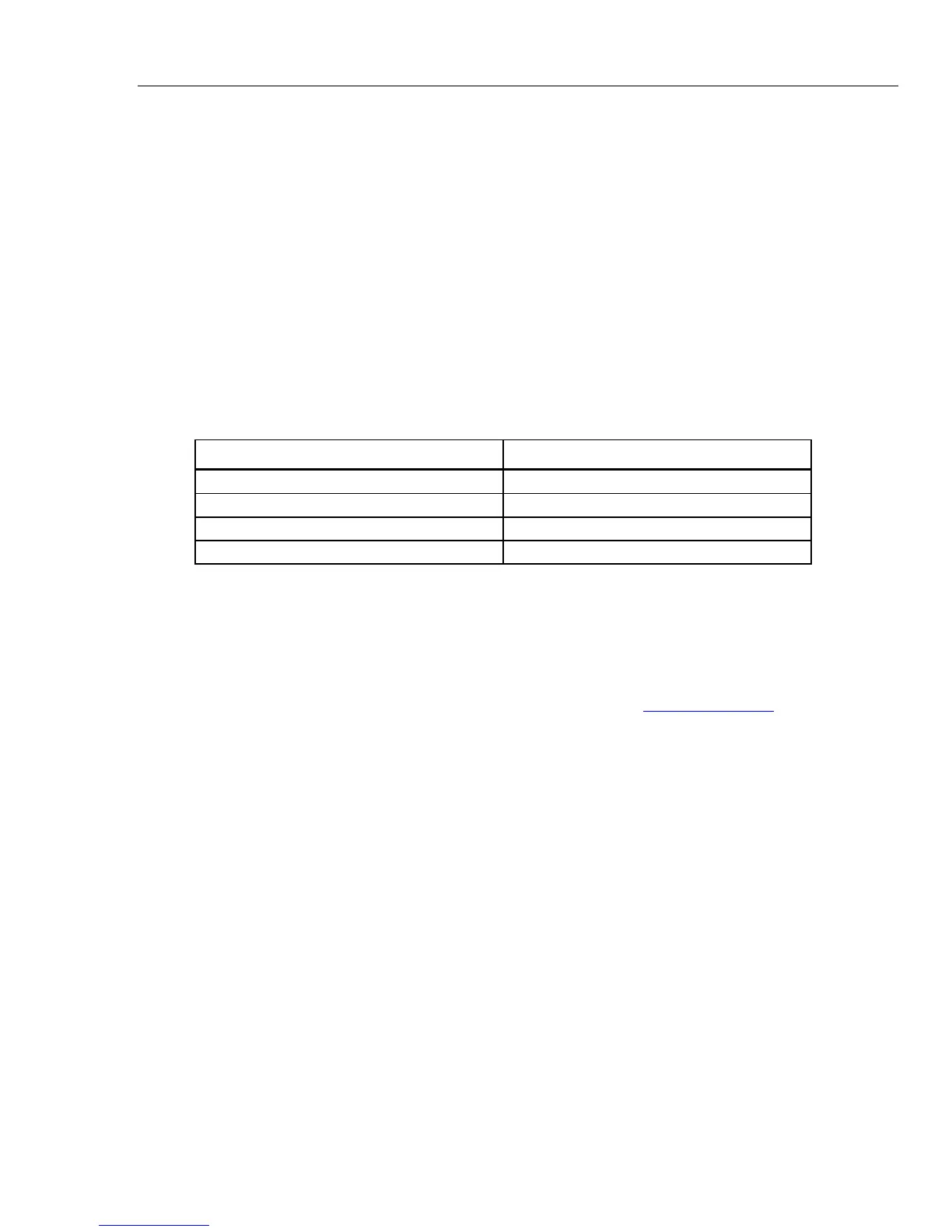
When you unpack the Product, make sure all the standard equipment shown in Table 2
was shipped. Also examine the shipping document for more items. Refer to the
Accessories chapter in the 52120A Users Manual. Report all shortages to the place of
purchase or to the nearest Fluke Service Center. A performance test is shown in the
Maintenance chapter in the 52120A Users Manual.
If it becomes necessary to ship the Product, use the container and inserts it was initially
shipped in, if possible. If it is not available, you can get a transit case from Fluke. This
container is applicable for most handling conditions, but gives less shock protection than
the initial shipping container.
Table 1-2. Standard Equipment
Item Model or Part Number
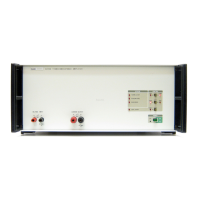
Transconductance Amplifier 52120A
Line Power Cord Per ship-to location, see Table 1-3.
52120A Getting Started Manual 3977724
52120A Users Manual on CD-ROM 3977736
Service Information
Each Product is warranted to the original purchaser for the period specified in the
warranty and starts on the date received. The warranty is found at the front of this
manual.
Factory authorized service and technical advice for the Product is available at Fluke
Service Centers. A complete list of service centers is available at www.flukecal.com.
XW Warning
To prevent possible electrical shock, fire, or personal injury,
have an approved technician repair the Product.
How to Place and Rack Mount the Product
Always operate the Product in controlled electromagnetic environments such as
calibration and measurement laboratories. Where rf transmitters, like mobile telephones
are not used.
This Product can be used on a bench-top or in a rack. The rack-mount kit must be ordered
separately from Fluke. See the How to Contact Fluke section in this manual.
Note
There must be sufficient space on the sides of the Product for sufficient air
flow.
Cooling Considerations
W Caution
The Product can overheat and become damaged if the area
around the air intake is too small, the intake air is too warm, or
the air filter becomes clogged.



 To Next Page