Calibration
Introduction 5
5-3
Introduction
This chapter contains the performance verification and calibration adjustment procedures
for the Product. Annual calibration verification and adjustment is recommended to make
sure the Product operates to specifications.
Calibration Correction Factors
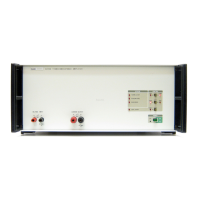
You can use the Product as a standalone transconductance amplifier or as an extension to
the 6100B and 6105A series calibrators. There are two different modes of operation. The
calibration adjustment procedure has two phases and two sets of calibration factors.
When you operate the Product standalone only the standalone calibration correction
factors are applied.
The procedure to adjust the Product in standalone mode without a 6105A is given below.
Equipment necessary to adjust and verify the Product to full specification when
connected to a 6105A is not available commercially. A procedure to do a confidence
check is included in this manual. But to make correction adjustments for operation with a
6105A, you must send the Product to a Fluke Service Center.
Repair to the Fluke 6105A Electrical Power Standard or the Product must be followed by
a calibration at a Fluke Service Center. This is to make sure they operate to
specifications.
Equipment Required
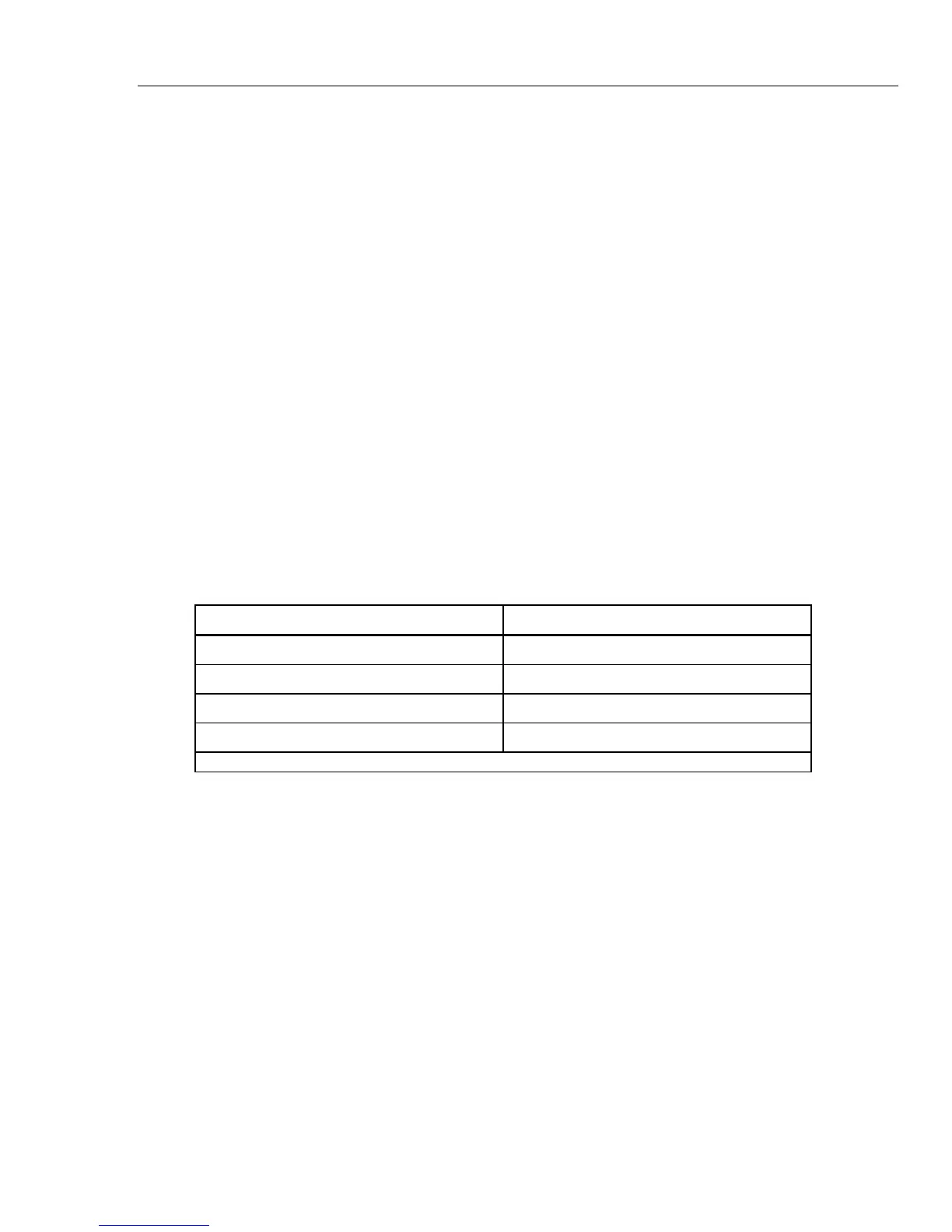
Table 5-1 is a list of test equipment necessary to verify and calibrate the Product.
Table 5-1. Calibration Equipment
Test Equipment Recommended Model
Calibrator
[1]
Fluke 5720A
2 A, 20 A, and 100 A Shunts Fluke A40B
DMM with rear input option Fluke 8508A
Electrical Power Standard Fluke 6105A or 6100B
[1] Not necessary for closed loop mode verification and calibration.
Initial Setup and Input Zero Adjustments
To setup for verification or calibration, connect the test equipment to the Product as
shown in Figure 5-1.



 To Next Page