52120A
Users Manual
5-24
10. Set the DMM ‘-c’ and ‘÷z’ stores to 0.24.
11. Set the current and frequency of the 6105A to the values in Table 5-11 for the two
0.6 A verification points.
12. Set the DMM to the 200 mV range.
13. Set the DMM ‘-c’ and ‘÷z’ stores to 0.16.
14. Set the current and frequency of the 6105A to the values in Table 5-11 for the 0.4 A
verification point.
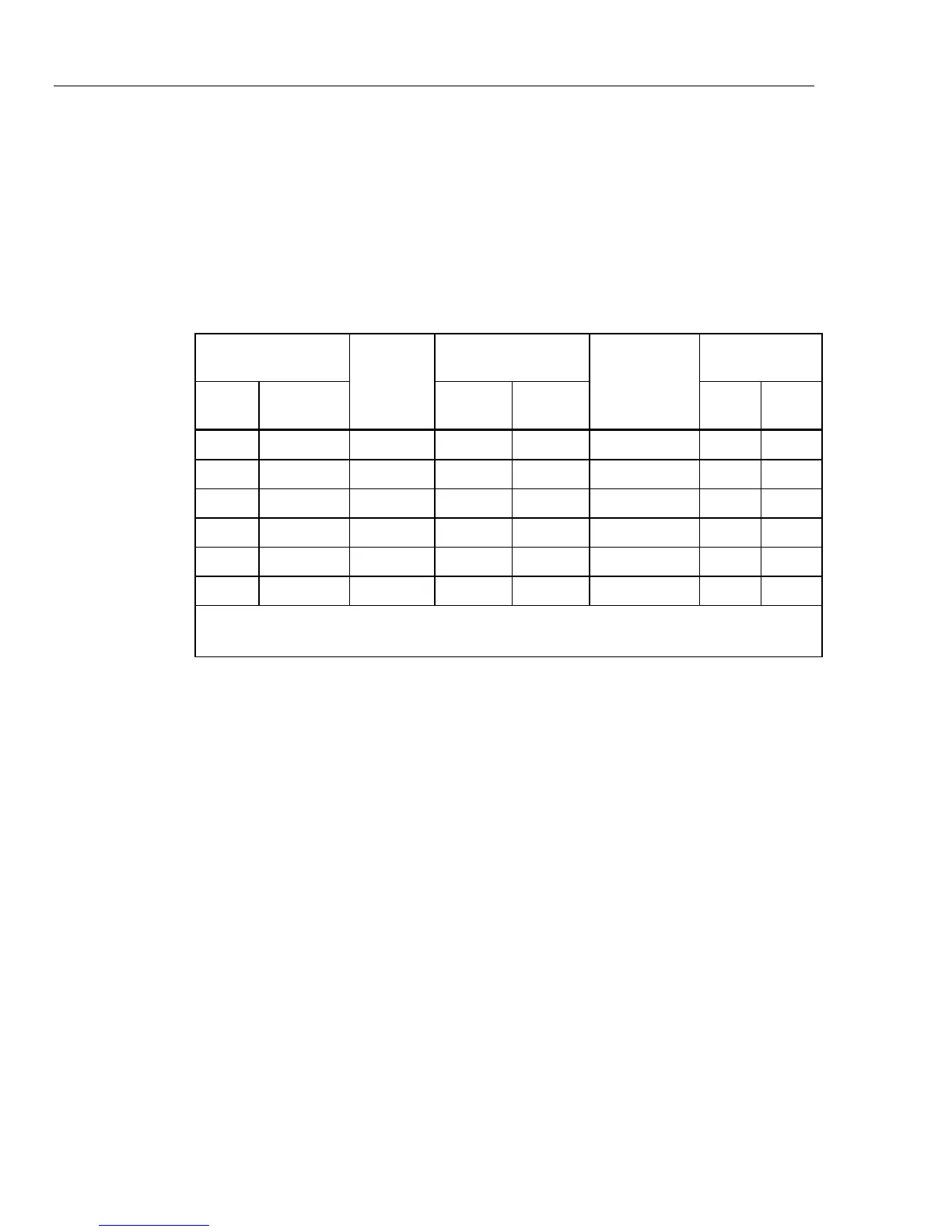
Table 5-11. Amplitude Verification on 2 Amp Range
6105A
Measured
Error (%)
Product
Specification
Measurement
Uncertainty
TUR
RMS Frequency
6105A
(99 %)
6100B
(99 %)
6105A 6100B
1 A DC ±0.0350 % ±0.0720 % ±0.0029 % 12:1 25:1
2 A 57 Hz ±0.0170 % ±0.0210 % ±0.0125 % 1.1:1 1.7:1
2 A 850 Hz ±0.0170 % ±0.0210 % ±0.0106 % 1.3:1 1.9:1
0.6 A
[1]
1083 Hz ±0.0687 % ±0.0687 % ±0.0175 % 3.9:1 3.9:1
0.6 A
[2]
5643 Hz ±0.0687 % ±0.0687 % ±0.0175 % 3.9:1 3.9:1
0.4 A
[3]
5643 Hz ±0.0770 % ±0.0770 % ±0.0154 % 5.0:1 5.0:1
[1] Fundamental 57 Hz, zero amplitude, 19
th
harmonic at 0.6 A
[2] Fundamental 57 Hz, zero amplitude, 50
th
harmonic at 0.6 A
[3] Fundamental 57 Hz, zero amplitude, 99
th
harmonic at 0.4 A
20 Amp Range
1. Set the DMM to the DCV function and the 2 V range.
2. Set the DMM ‘m’ store to the 20 A shunt correction factor.
3. Set the DMM ‘-c’ and ‘÷z’ stores to 0.4.
4. Turn on the ‘*m’, ‘-c’ and ‘÷z’, and % math functions on the DMM.
5. Set the 6105A range to 1 x Ext 20A.
6. Set the current and frequency of the 6105A to the values in Table 5-12 for the 10 A
verification point.
7. Set the DMM ‘-c’ and ‘÷z’ stores to 0.8.
8. Set the DMM to ACV function
9. Set the current and frequency of the 6105A to the values in Table 5-12 for the two
20 A verification points.
10. Set the DMM ‘-c’ and ‘÷z’ stores to 0.24.
11. Set the current and frequency of the 6105A to the values in Table 5-12 for the two
6 A verification points.
12. Set the DMM to the 200 mV range.
13. Set the DMM ‘-c’ and ‘÷z’ stores to 0.16.
14. Set the current and frequency of the 6105A to the values in Table 5-12 for the 4 A
verification point.



 To Next Page