Micro-Bath
Parts and Controls
9
If the probe was calibrated in liquid salt, carefully wash the probe in warm water and dry completely
before you transfer it to another fluid. Always be sure that the probe is completely dry before you insert
it into a hot fluid.
For optimum accuracy and stability, allow the bath adequate stabilization time after it reaches the set-
point temperature.
Parts and Controls
This section describes the bath and its parts.
Front Panel
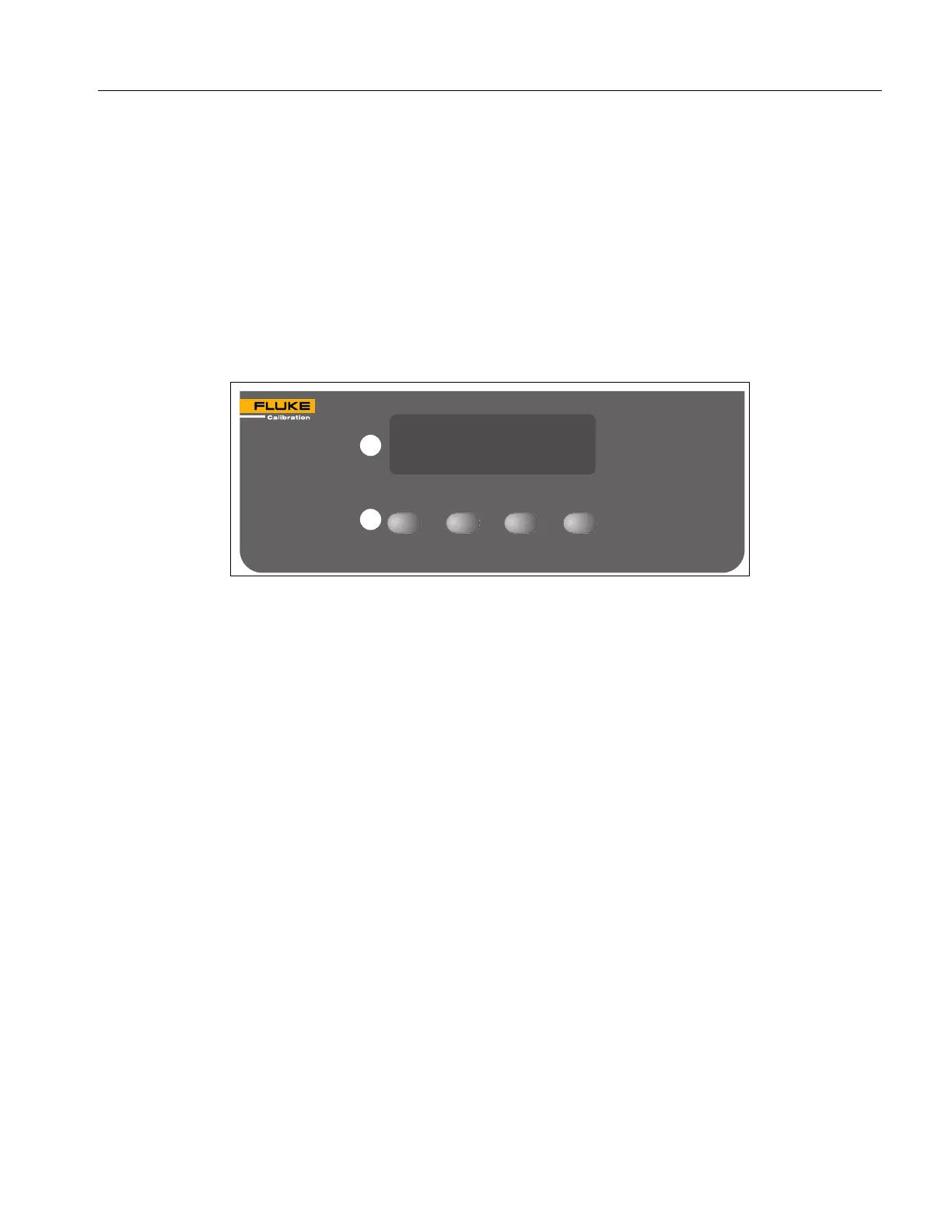
This section describes and shows the front panel. See Figure 1.
Figure 1. 7102 Front Panel
Controller Display (A) – The digital display not only shows set and actual temperatures but also
shows various calibrator functions, settings, and constants. The display shows temperatures in units
according to the selected scale °C or °F.
Controller Keypad (B) – Use the keys (SET, DOWN, UP, and EXIT) to set the calibrator temperature
set-point, access and set other operating parameters, and access and set calibration parameters.
Set the control temperature directly in degrees of the current scale. You can set the temperature to
one-hundredth of a degree Celsius or Fahrenheit.
The functions of the keys are:
SET – Shows the next parameter in the menu and stores parameters to the value.
DOWN – Decrements the shown value of parameters.
UP – Increments the shown value.
EXIT – Exits a function. Any changes made to the value shown are ignored. Hold EXIT for
approximately 0.5 seconds to exit back to the main display.
SET
UP
DOWN
EXIT
7102
MICRO-BATH –5°C to 125°C
A
B



 To Next Page