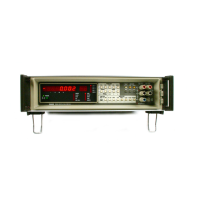
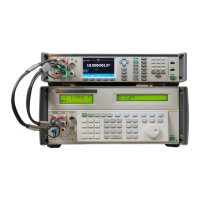
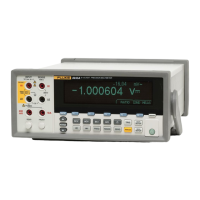
8508A
Users Manual
Monitoring Modes
Monitor Key
Press the
Monitor key to display MONITOR menu:
adj116f.eps
MONITOR menu
Displaying Signal Frequency
When measuring AC voltage or current, select the
Freq key to display the frequency
corresponding to the rms value shown on the main display. The response rate for the
ACV
function frequency measurements can be set in the
MONITOR CONFIG menu. When Fast
is not selected, the frequency measurements are made with a 1 s response rate at a 6.5-
digit resolution, otherwise all frequency measurements are made with a 50 ms response
rate at a 4.5-digit resolution. The 1 s response rate will slow down the
ACV reading rate.
Displaying Standard Deviation
Press the
Devn key to calculate and display the population standard deviation of a block of
readings.
The population standard deviation is calculated as
( )
xx
n
n
−
−
2
1
1
For the standard deviation of a rolling block of readings the
AvR rolling average mode must be
configured and selected from the
MATH menus.
For the standard deviation of a fixed block of readings the
BlocN block average mode must be
configured and selected from the
MATH menus.
Devn Menu
adj146f.eps
Standard Deviation Menu
This menu allows selection of the displayed format for the standard deviation.
Displays the standard deviation of the block relative to the block mean.
Displays the standard deviation of the block as an absolute value.
adj147f.eps
Standard Deviation display
3-32



 To Next Page