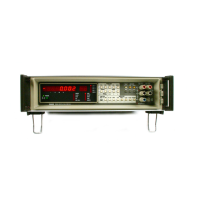
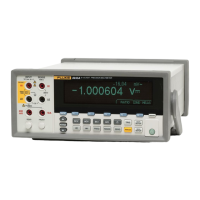
8508A
Users Manual
DC Current
The following commands are used to select the
DCI function and set its configuration.
DCI
phs
,
Nrf
AUTO
FILT_ON
FILT_OFF
RESL5
RESL6
RESL7
FAST_OFF
FAST_ON
adj215f.eps
DC Current
Nrf
A numeric value that selects the range for the expected signal. Any valid numeric value
cancels autorange.
AUTO
Selects the autorange mode where the multimeter will determine the appropriate range for
the measured signal. If the signal exceeds the maximum capability then
RANGE
OVERLOAD
appears on the front panel and the appropriate bit is set in the device status
registers.
FILT_ON / FILT_OFF
FILT_ON
inserts a hardware analog filter into the measurement signal path.
RESL5 / RESL6 / RESL7
Sets the resolution of the measurement to 5.5, 6.5, or 7.5 digits.
FAST_ON / FAST_OFF
FAST_ON
Reduces the A-D integration time, for faster conversions.
Power On and Reset Conditions
2A, FILT_OFF, RESL7, FAST_ON
4-16



 To Next Page