IDA-4 Plus
Operators Manual
3-22
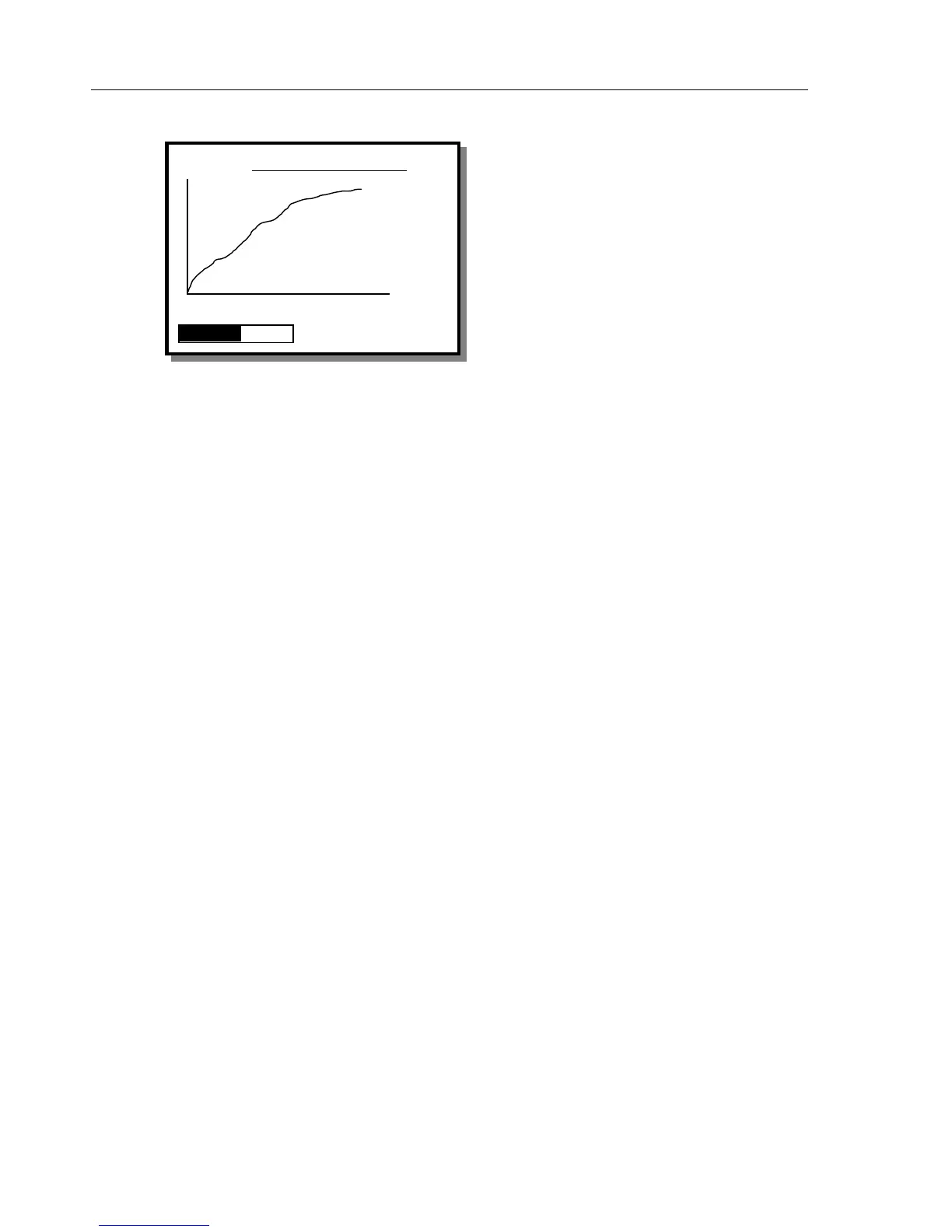
Occlusion Graph Screen
This graph displays the pressure value over time. It
automatically adjusts its scale so that its maximum
pressure and time are always within the axes.
The numerical data displayed at the right of the graph
will include the current pressure and elapsed time.
Below this will be the peak pressure reached and the
time that the peak was reached.
The pressure units are those selected from the TEST
PARAMETERS SCREEN.
Status
This switches to the STATUS ALL CHANNELS
screen to allow the operator to use another channel or
change settings via the UTILITIES menu.
View
This returns to the OCCLUSION TEST screen in
either the Measuring Mode or the End of Test Mode,
depending on which mode called this screen.
10
psi
CHANNEL 1 OCCLUSION
Inst.
9. 05
psi
00: 02: 19
Peak
0. 39
psi
00: 02: 19
STATUS VIEW



 To Next Page