IDA-4 Plus
Operators Manual
3-26
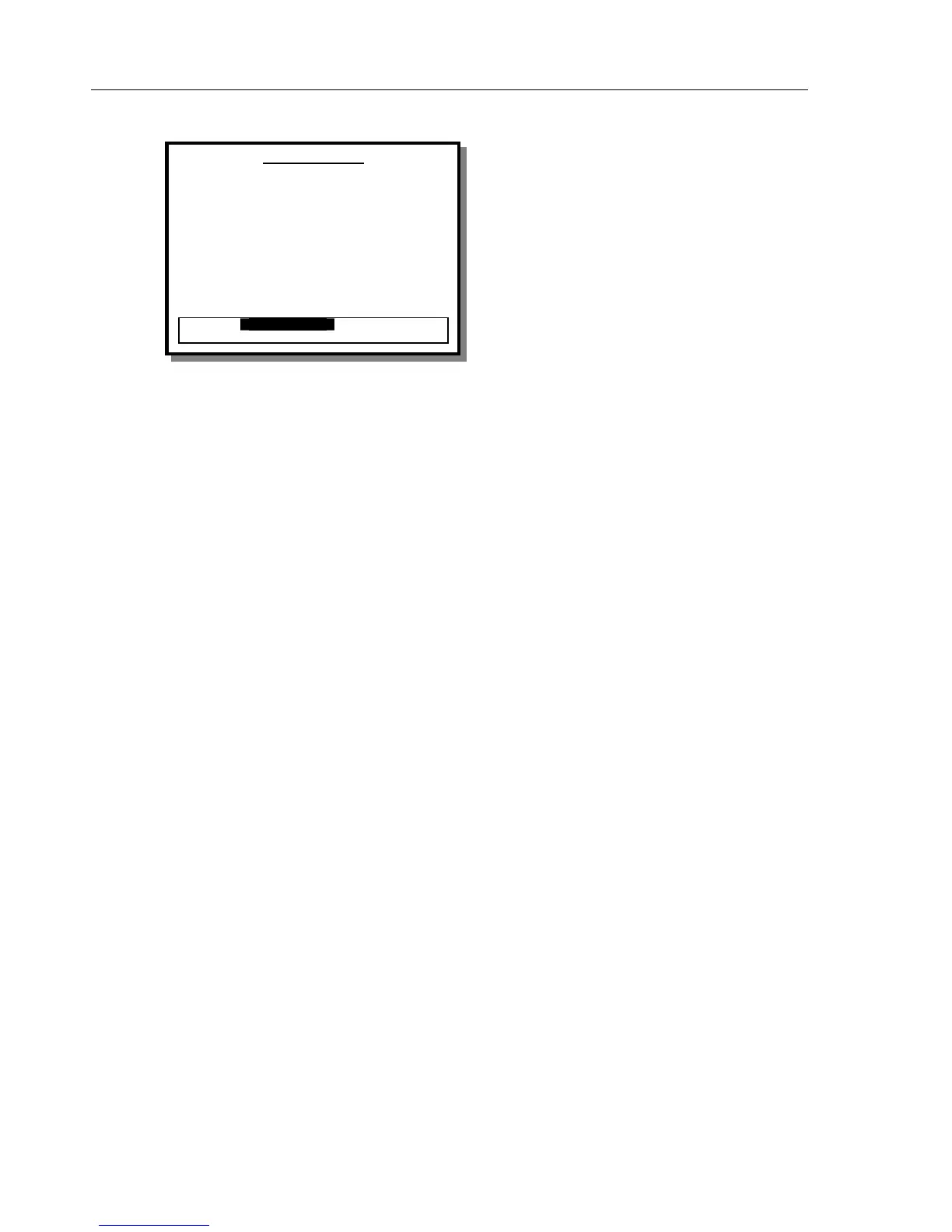
PCA Test Screen (End of Test Mode)
This view of the FLOW TEST screen allows the
operator to save, print or discard the results.
Save
This saves the results of the PCA test to non-volatile
memory for later printing or transfer to a computer via
the RS232 port.
Save & Print
This saves the results as described above, then sends a
report to a printer connected to the printer port on the
instrument. The report will be in either full or summary
format, as previously selected by the operator from the
UTILITIES / PRINTER menu.
Print
This sends a report to a printer connected to the printer
port on the instrument. The report will be in either full
or summary format, as previously selected by the
operator from the UTILITIES / PRINTER menu.
Status
This switches to the STATUS ALL CHANNELS
screen to allow the operator to use another channel or
change settings via the UTILITIES menu.
Graph
This switches to the PCA GRAPH screen for the
current channel.
Delete
This deletes the current set of results from memory
without saving to non-volatile memory. Once this
option has been invoked there will not be any way to
recover, view or print the results of this test.
Channel 1 PCA
Last Bolus
Average
0.00 Volume ml 0.00
0.00 Flow Rate 0.00
0 D u r a t i o n 0
Interval
Bolus Count 0
Basal Flow Rate 0. 00 ml /h
Elapsed Time 00: 00: 00
Total Volume 0. 00 ml
SAVE
SAVE & PRINT PRINT
GRAPH STATUS DELETE



 To Next Page