CertiFiber Pro Fiber Optical Loss Test Set
Users Manual
14
: Starts a test.
: Power key
: Press to use the headset to speak to the person at
the other end of the link. Press again to adjust the volume. To
turn off the talk function, hold down .
Connector for the AC adapter. The LED is red when the battery
charges, and green when the battery is fully charged. The LED is
yellow if the battery will not charge. See “Charge the Battery”
on page 18.
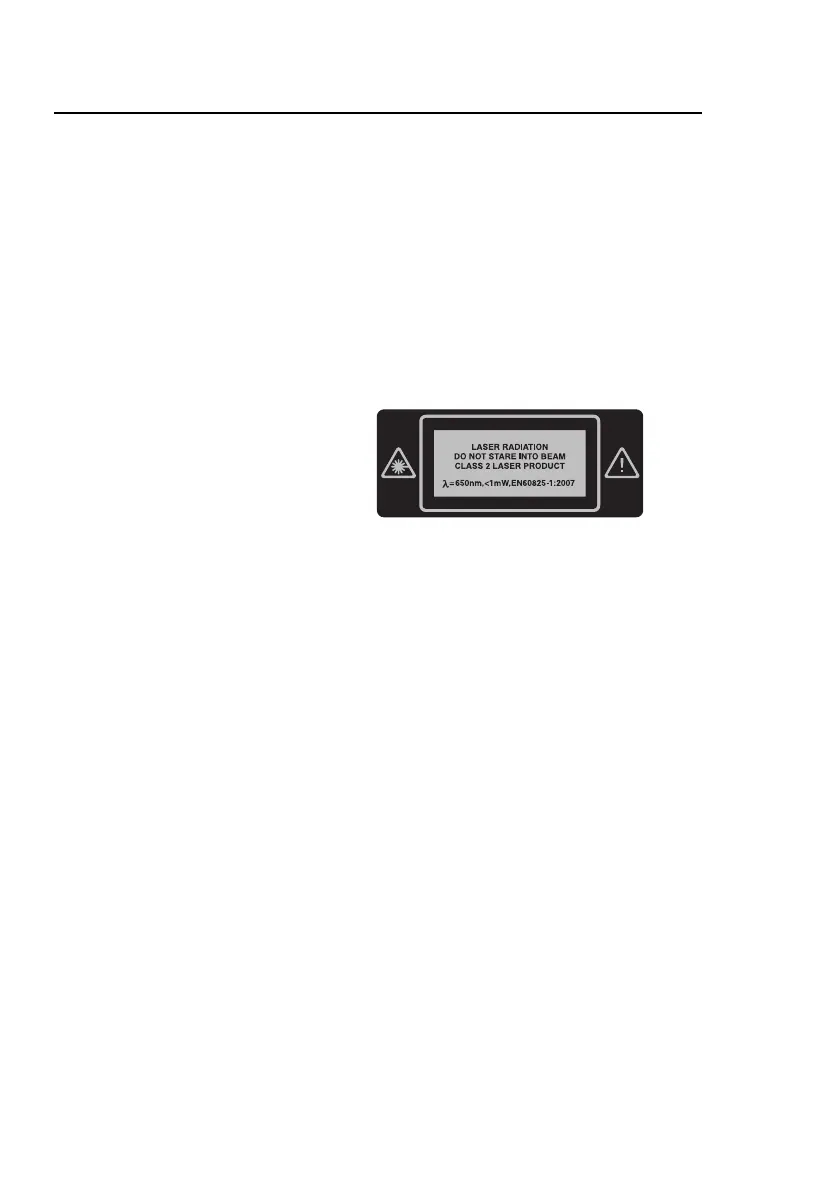
Decal with laser safety
information.










 To Next Page