83
Chapter 4: The FiberInspector Test
The optional DI-1000 video probe connects to the type A USB port
on the Versiv main unit to let you inspect the endfaces in fiber
optic connectors. The probe lets you see dirt, scratches, and other
defects that can cause unsatisfactory performance or failures in
fiber optic networks.
How to Do the FiberInspector Test
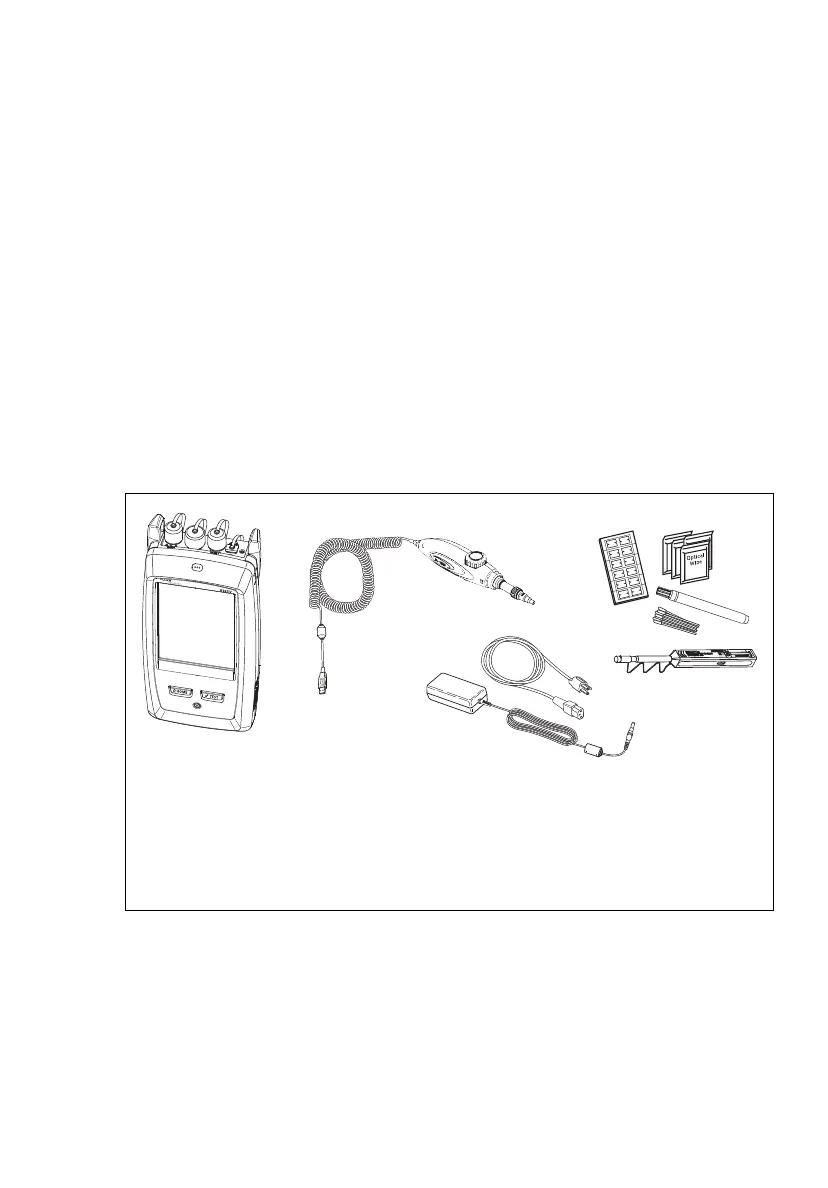
Figure 26 shows the equipment for a FiberInspector test.
Figure 26. Equipment for the FiberInspector Test
GPU49.EPS
Versiv main unit with CertiFiber
Pro module installed
Video probe with USB connector
(DI-1000 shown)
Fiber cleaning supplies
AC adapter with line cord
(optional)
D
C
B










 To Next Page