CertiFiber Pro Fiber Optical Loss Test Set
Users Manual
24
HGD40.EPS
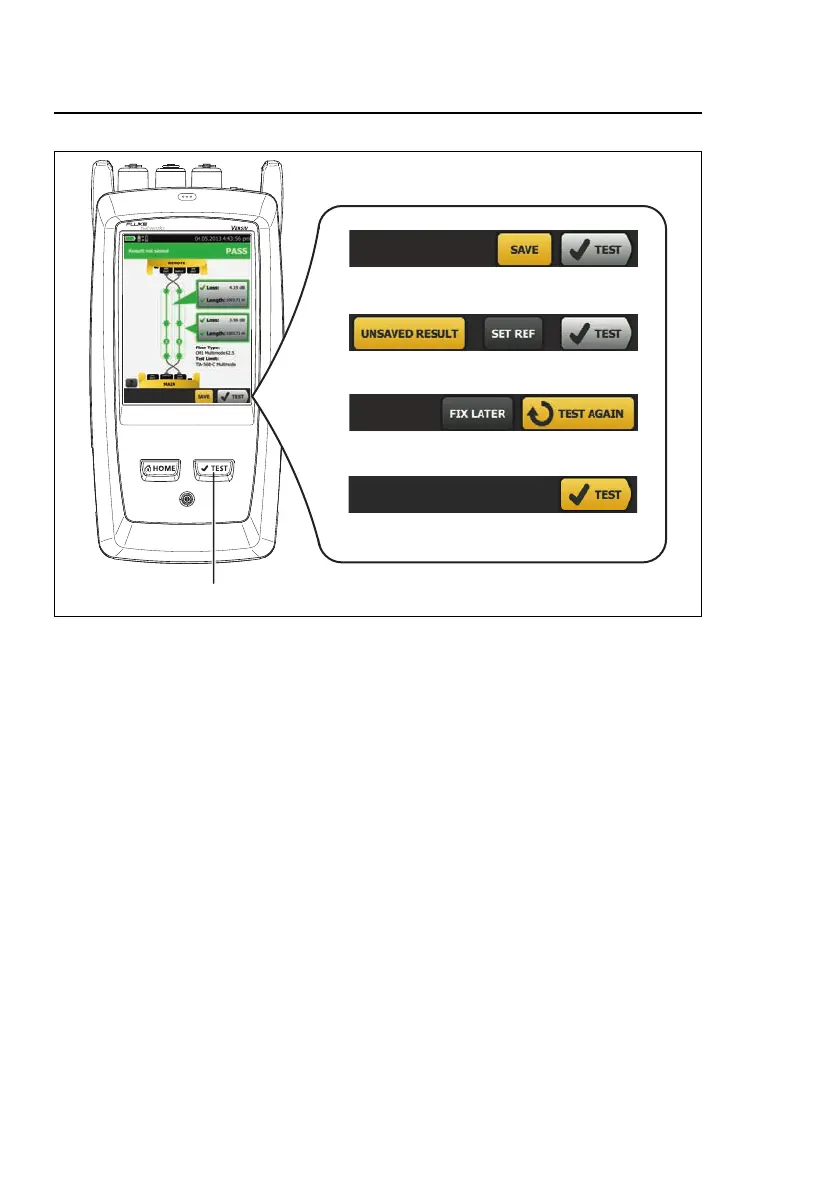
Figure 7. FIX LATER, TEST AGAIN, and TEST Buttons and the TEST Key
SAVE (yellow), TEST (gray): These buttons show if the test
passed and Auto Save is off. When you tap SAVE, you can save
the results with an ID that you make or select. When you tap
TEST, you can select to save the results or do the test again and
not save the results.
UNSAVED RESULT: This button shows if Auto Save is off and
you go to the home screen when a test is completed. Tap this
button to see the result.
FIX LATER: This button shows if the test failed and Auto Save is
off. Tap FIX LATER to save the results with an ID that you make
or select.










 To Next Page