CertiFiber Pro Fiber Optical Loss Test Set
Users Manual
52
GPU140.EPS
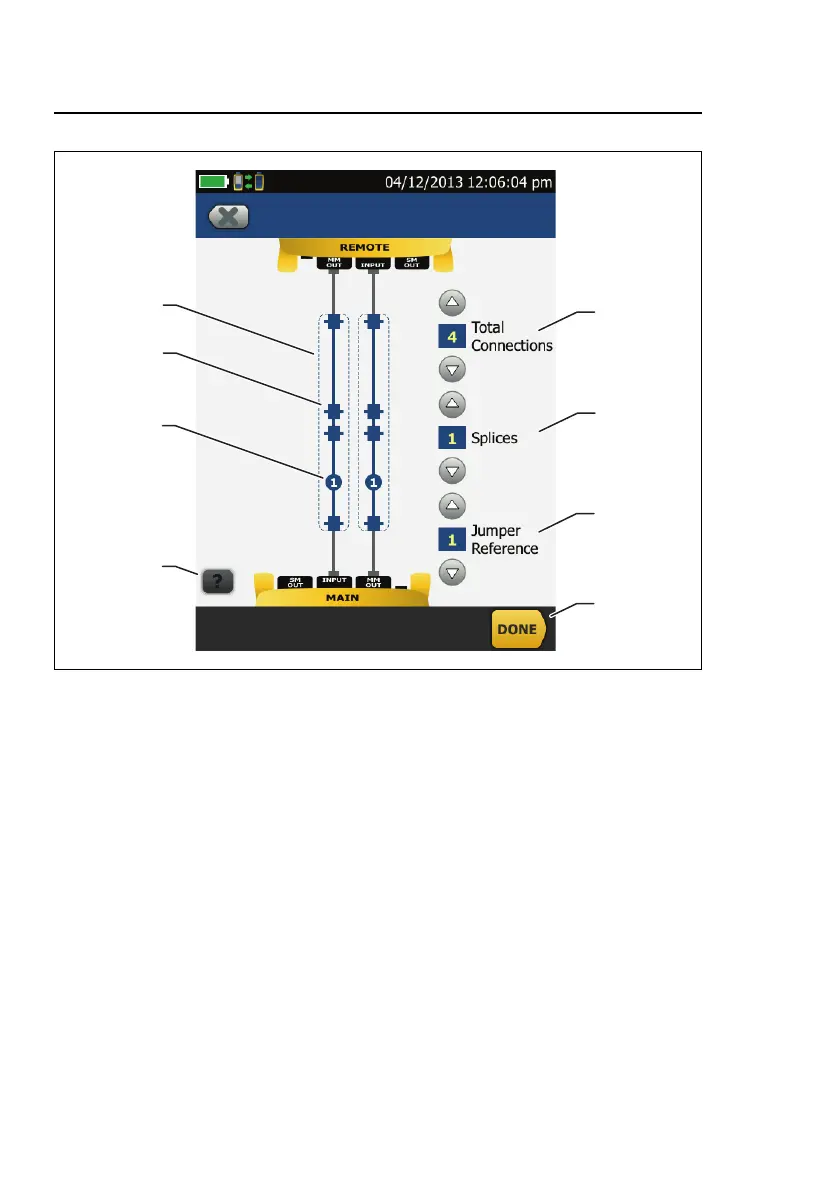
Figure 15. Screen to Set the Number of Connectors, Splices, and
Jumpers
Total Connections: Enter the total number of connections that
are in each path of the link. Do not adjust the number for the
Reference Method you use. For example, if the link has 3
connections, enter “3” even if you use the 2 or 3 Jumper
reference method. When the tester calculates the loss limit, it
automatically removes the losses of the connections you used
to set the reference.
Splices: Enter the number of splices that are in each path of the
link.










 To Next Page