CertiFiber Pro Fiber Optical Loss Test Set
Users Manual
86
GPU25.EPS
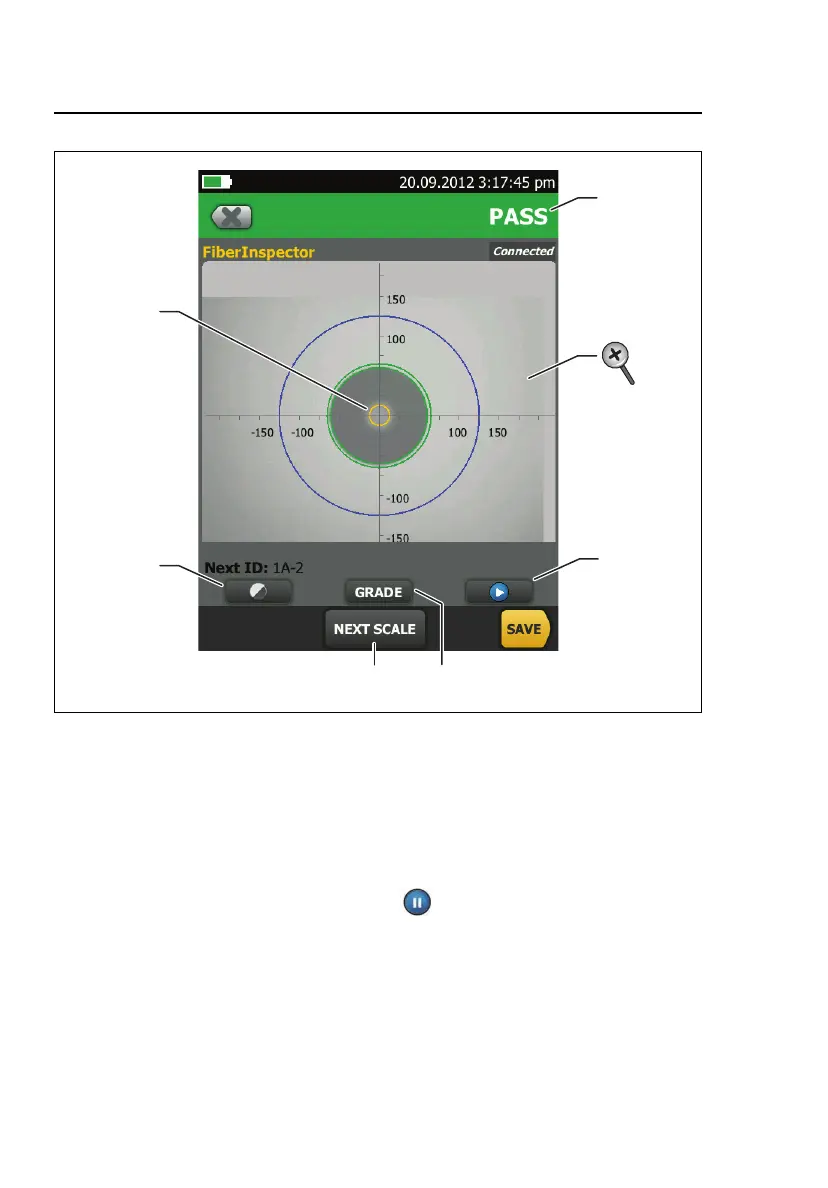
Figure 27. FiberInspector Image with Measurement Scales
(fiber with 50 µm core shown)
Note
To see the buttons for the measurement axes and
core scales and to change the magnification of the
screen, you must first tap to put the screen in
still mode.
You can use the round, horizontal, and vertical scales to
measure the size of the fiber core and cladding. You can also
measure the size of particles, scratches, and other defects on
the endface.










 To Next Page