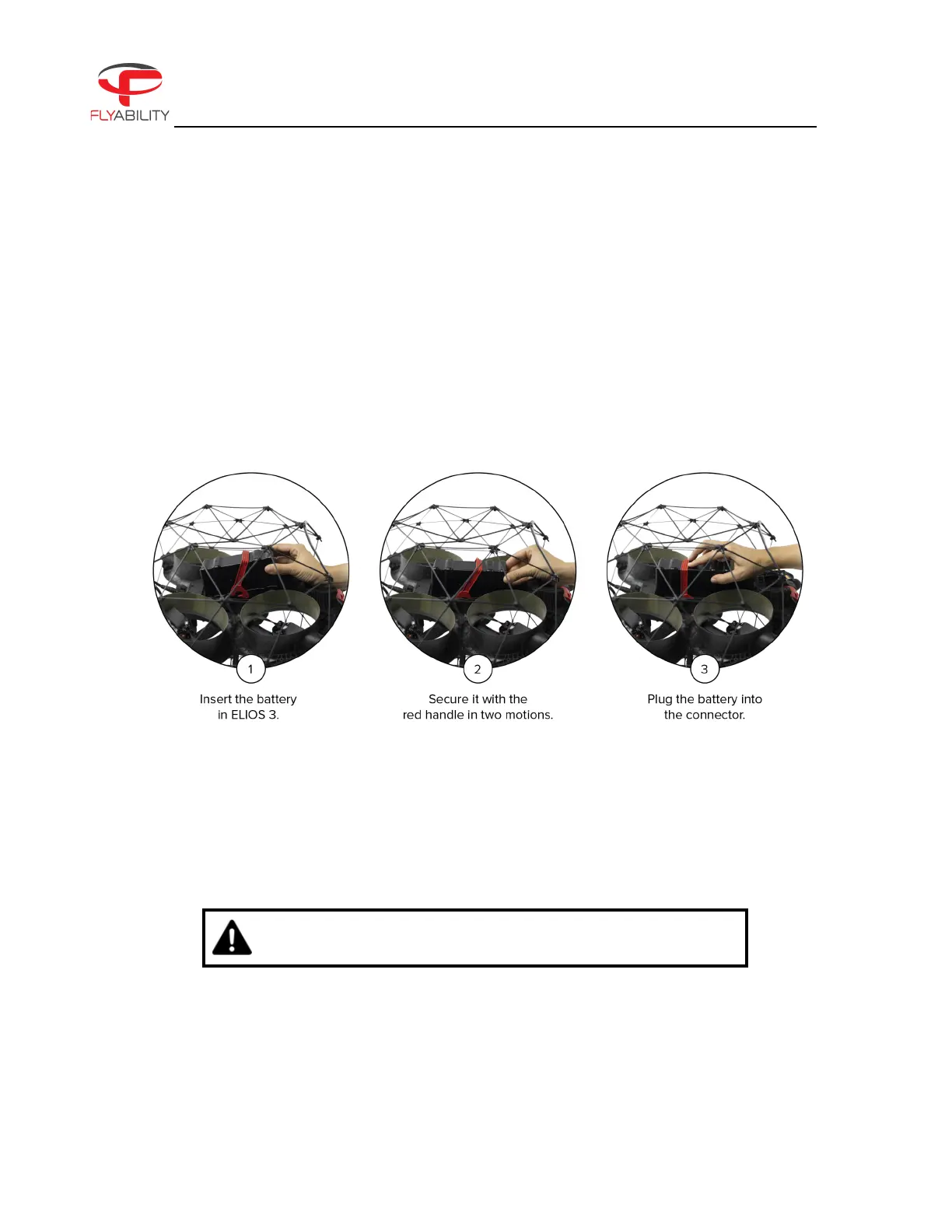
3.3. Insert and plug in the battery
1. Slide the battery into the battery tray.
2. The battery must be secured under the drone. If the battery is not properly secured, the main button
of the drone will blink yellow. Make sure the battery is correctly aligned, then push the red handle in
two motions until it is secured.
Figure 3.3: Battery insertion and connection
Once the battery is plugged in, ELIOS 3 will be in sleep mode.
DRONE WARNS THE USERS IF THE BATTERY LATCH IS OPEN
After the flight, the battery can be removed in reverse order:



 To Next Page