3. Disconnect button—disconnects active connection, available when a connection is established.
4. Broadcast start/stop button—starts streaming from the current device and makes it visible from other
devices.
5. Name of this Android device as listed in Wi-Fi system options. Refer to this name when searching the
current device from another device in the receiving role.
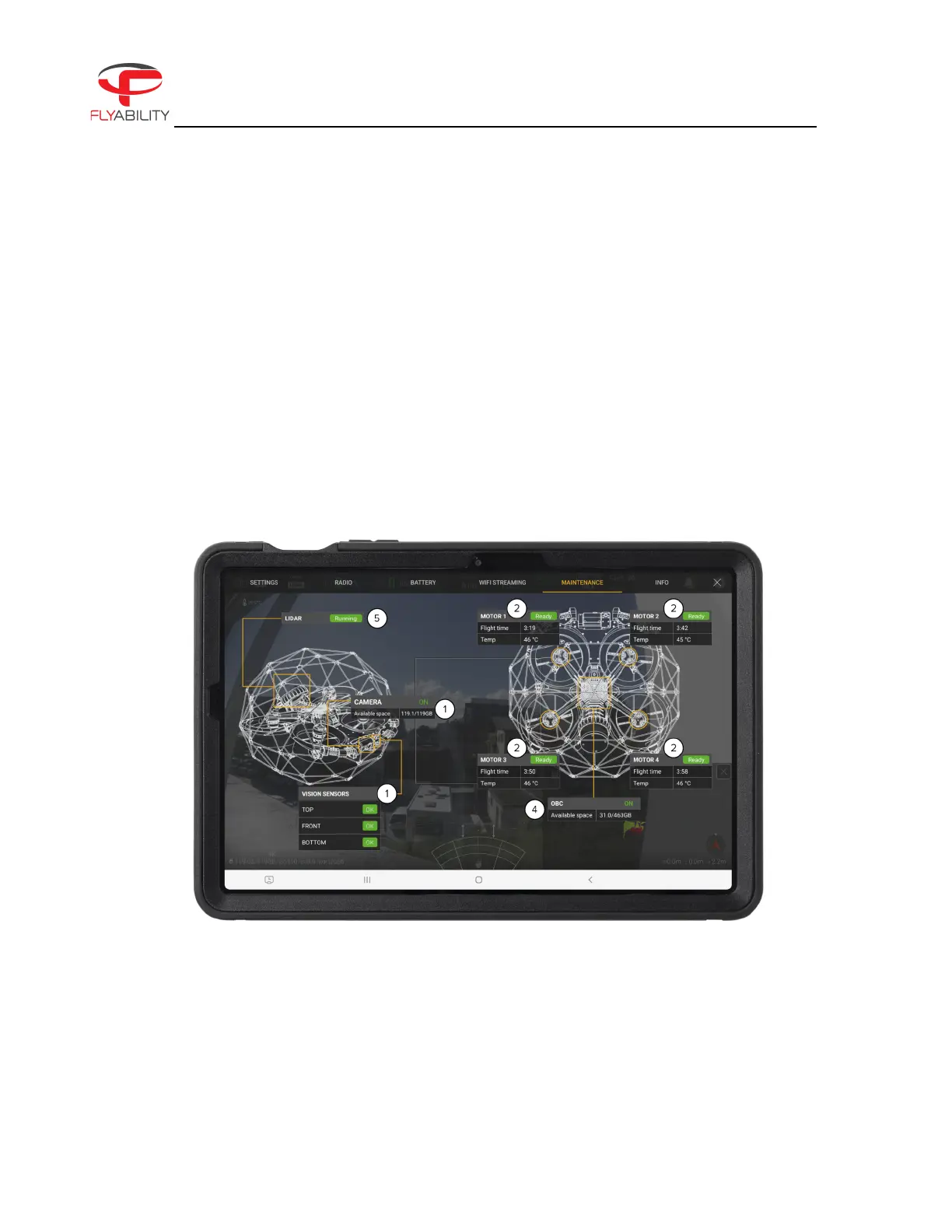
Maintenance panel
Figure 6.9: ELIOS 3 Wi-Fi Streaming Panel
The Maintenance panel gives an overview of the status of:



 To Next Page