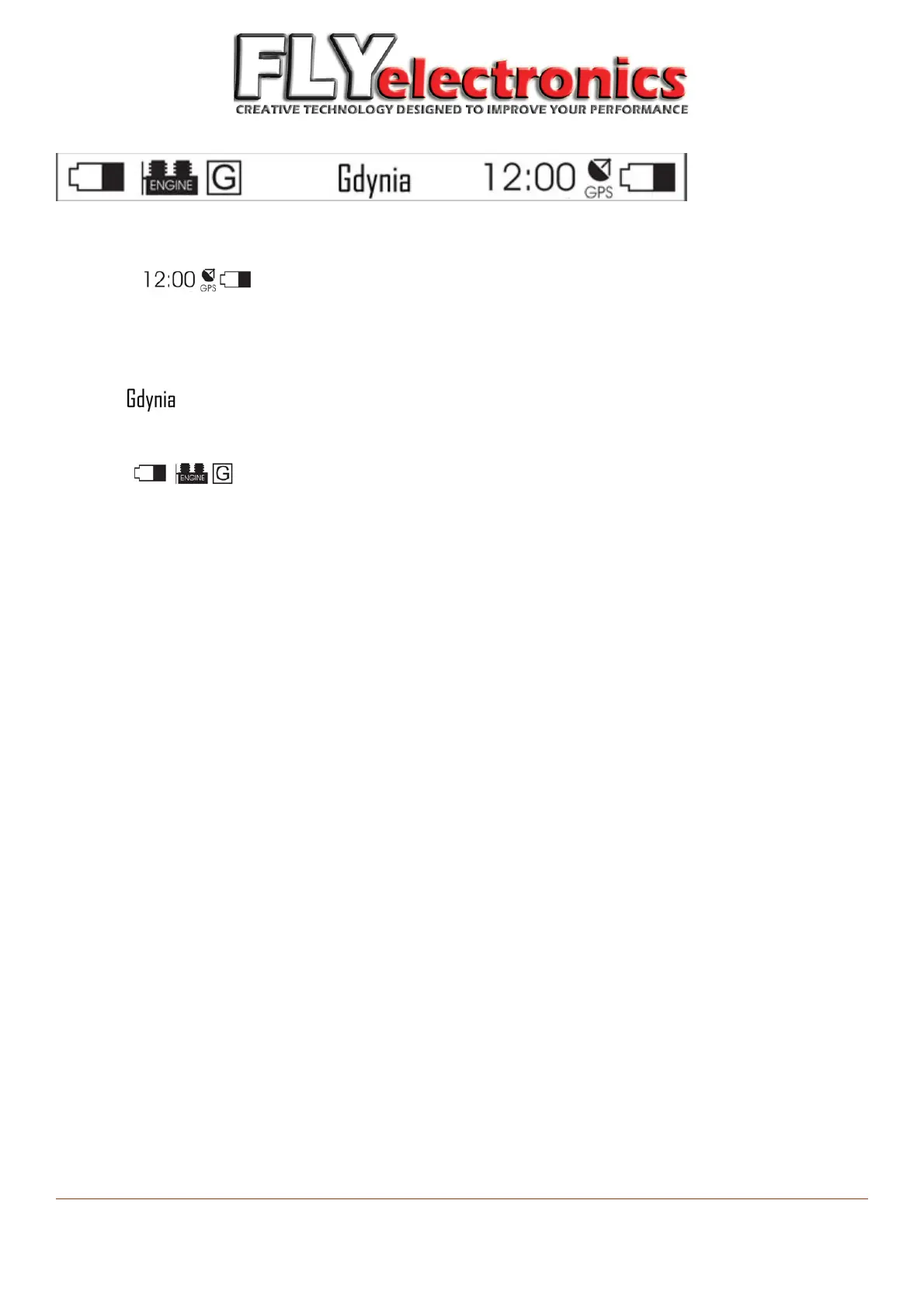
At the notification bar above the main screen:
Right side: (from left to right):
Current time, set according to GPS setting
GPS connection icon
Receiver battery level
Central:
Name of starting point (if the device detects predefined starting point – it will display its name)
Left side: (from left to right):
Transmitter battery level
Transmitter connection icon
Current screen (G – graphic, 1 – first desktop, 2 – second desktop etc.)
FLYelectronics All Rights Reserved Page 10


 To Next Page