Chapter 1 Introduction
Flyingvoice Network Technology Co., Ltd. 11
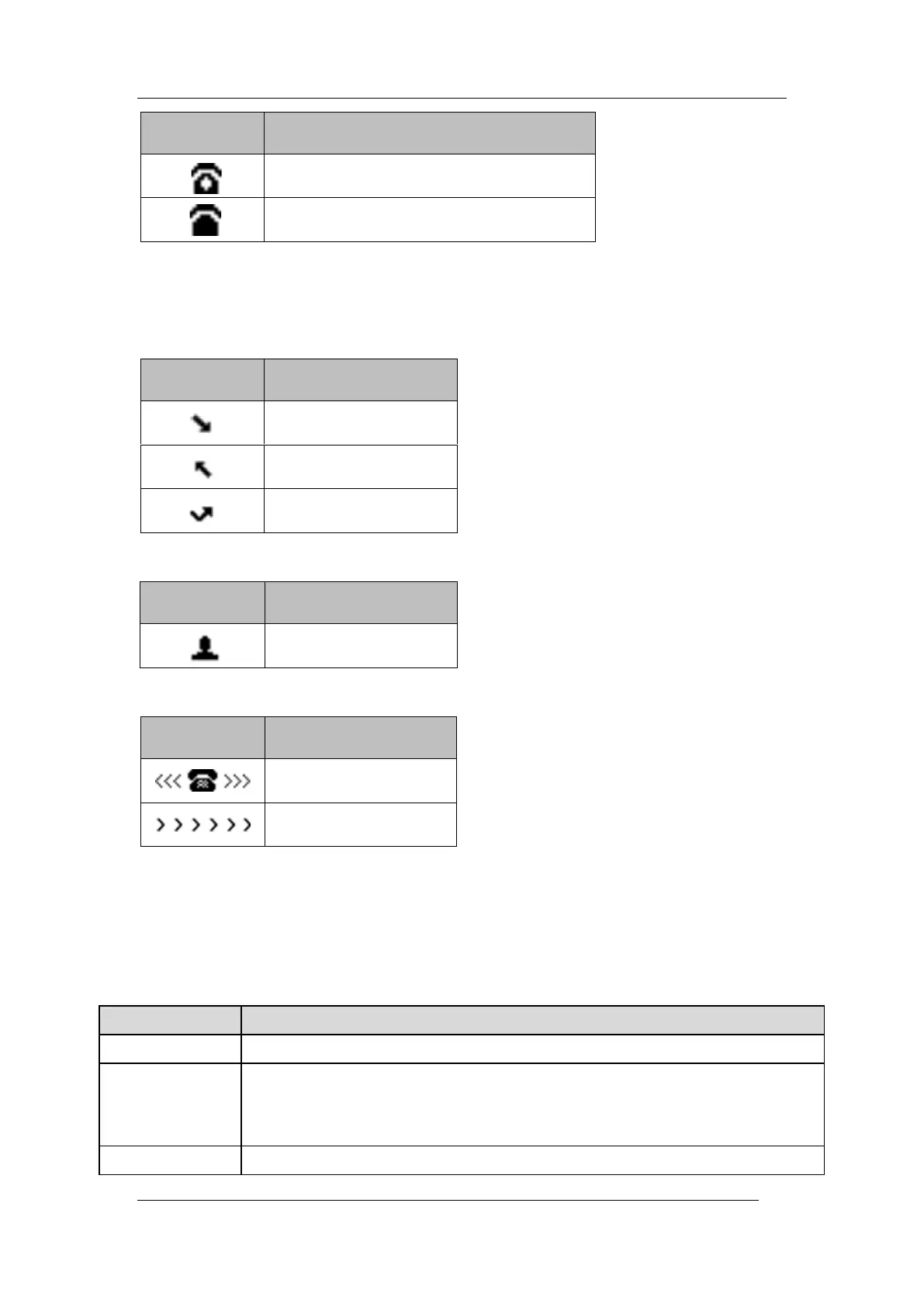
The private line is registered successfully
1.4 Entering Characters
You can use the keypad keys on your phone to enter or update field information.
The following table describes how to enter different characters using the keypad keys.
Press the ABC, abc, Ab2, 2aB, or 123 soft key to switch the input modes.
Select ABC, abc, 2aB mode. press the keys labeled with letters until your desired letter appears.
press a keypad key repeatedly to view the character options and stop when the letter you want
to enter is displayed in the field. Wait one second, and then enter the next letter.
Select 123 mode, press the corresponding keys.



 To Next Page