Chapter 4 Advanced Call Features
Flyingvoice Network Technology Co., Ltd. 30
To view received messages.
Procedure
1. Press Menu->Message->Text Message->Inbox
2. You can select one message and press the View to view the content of this message.
When viewing a text message, you can press the Reply to reply to the message directly; you
can also press the Delete key to delete the message, or press Option in the received list to
select Delete or Delete All.
To view sent messages:
Procedure
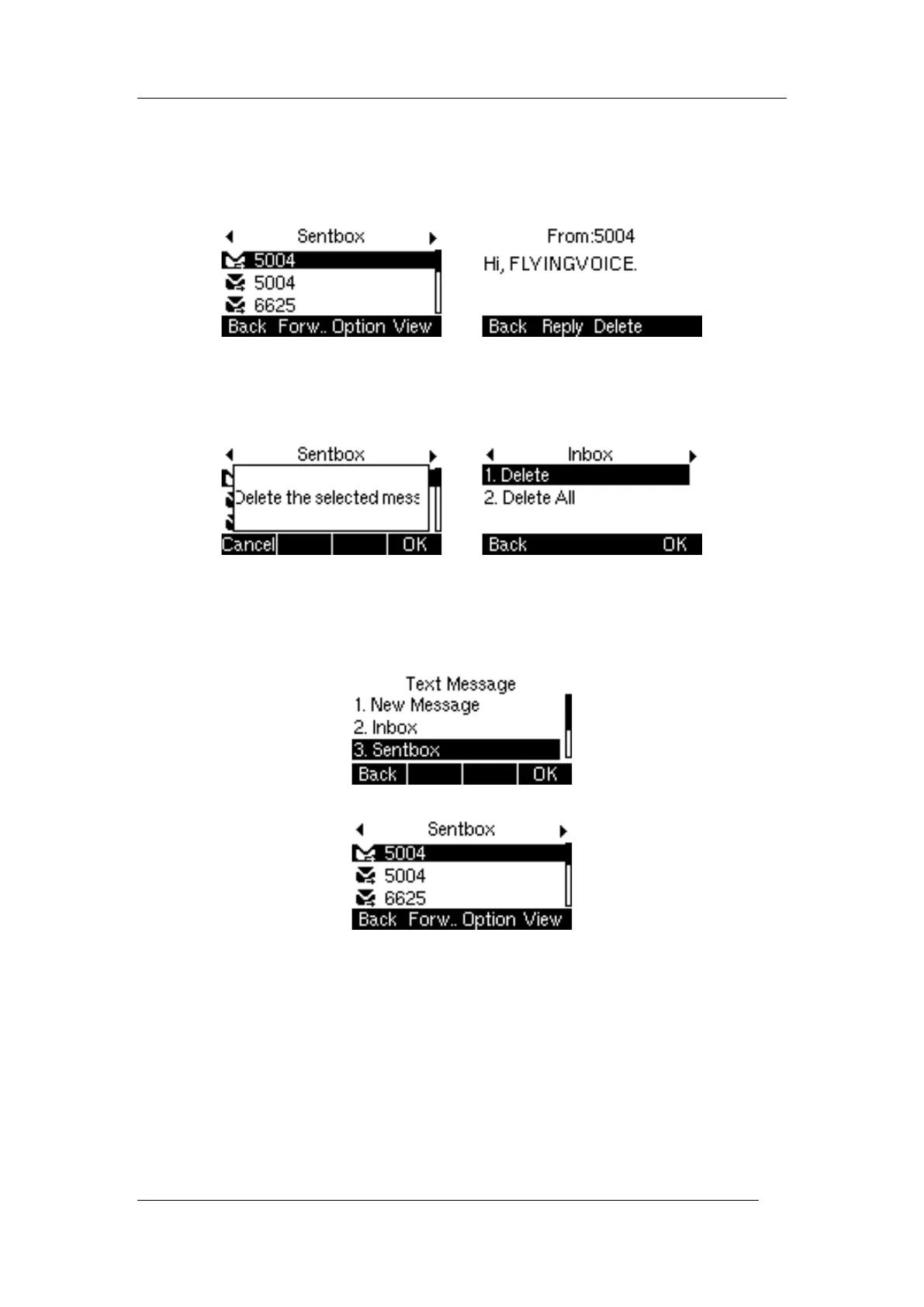
1. Press Menu->Message->Text Message->Sentbox
2. You can select one message and press the View to view the content of this message.
When viewing a text message, you can press Forward to transfer the message to another
account; you can also press the Delete to delete the message, or press the Option in the
Sentbox message list to select Delete or Delete All.
Save Text message
Save to outbox: When sending a text message, it will be automatically saved to the outbox
after sending failure.
Procedure



 To Next Page