Chapter 3 Call Features
Flyingvoice Network Technology Co., Ltd. 24
You can deactivate call forward when you no longer want to forward your calls.
Procedure
1. Navigate to Menu > Features > Call Forward.
2. Select the desired forwarding type and select Disable from the corresponding field.
3. Select OK.
Diverting Calls to a Contact
You can divert all incoming calls from a particular contact to another contact. Auto divert has
precedence over call forward.
Procedure
1. Select Directory (Dir) or navigate to Menu > Directory > Local Contacts.
2. Select the desired contact group or All Contacts.
3. Select the desired contact, and select Detail.
4. Edit the contact information.
5. Enter a contact’s number you want to divert the call to in the Auto Divert field.
6. Select Save.
3.9 Call Waiting
The call waiting feature can be turned on or off.
If the call waiting feature is enabled, new incoming calls can be answered during a call.
If call waiting is turned off, new calls will be automatically rejected during the call and a busy
tone will be indicated.
Phone interface configuration
Procedure
1. Press Menu -> Features -> Call Waiting -> Call Waiting Settings, click Switch key, select
On
2. Press the OK key to save the operation
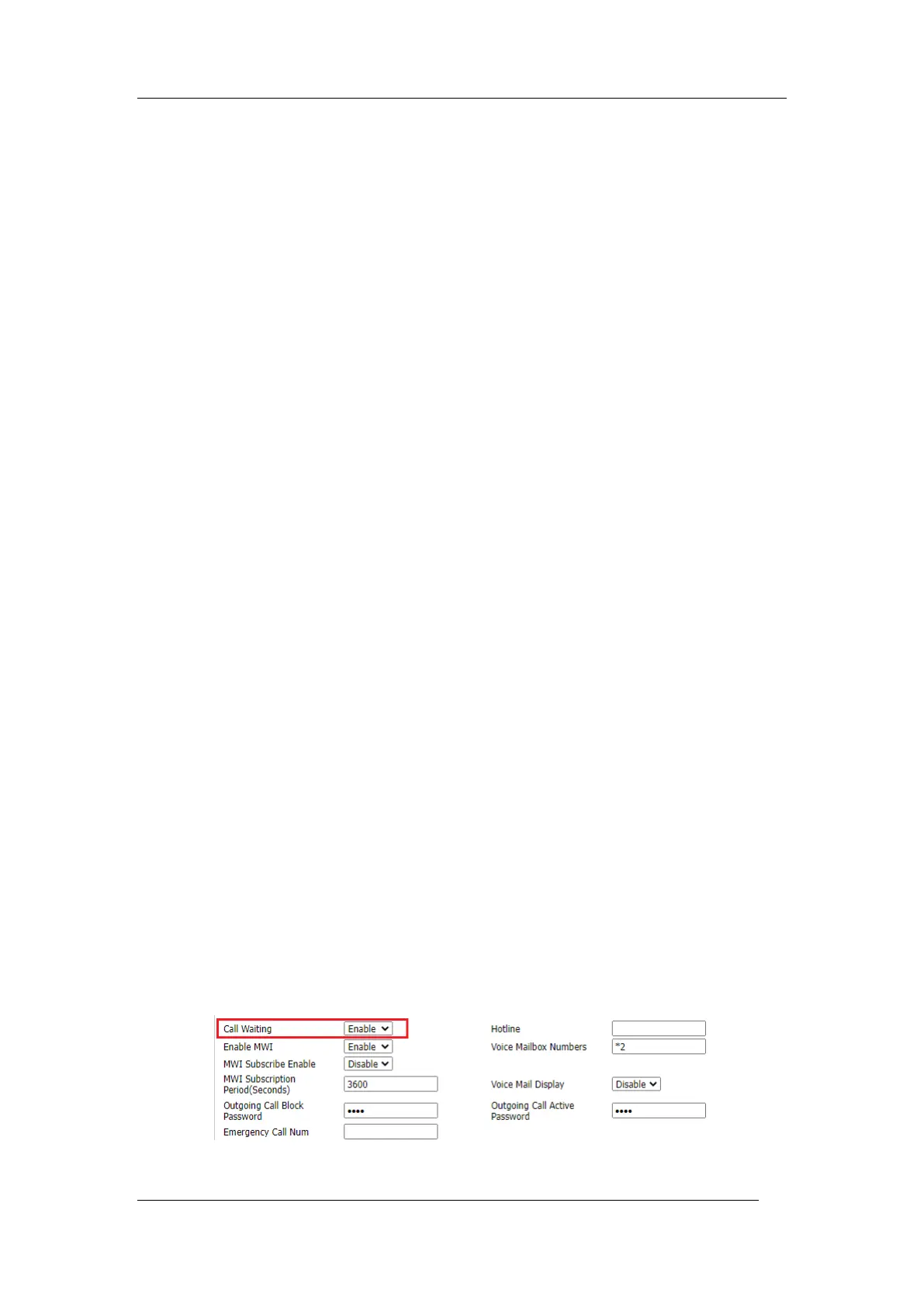
Web interface configuration
Procedure
1. SIP Account->Line x -> Call Waiting, turn on call waiting, save and apply.



 To Next Page