Chapter 3 Call Features
Flyingvoice Network Technology Co., Ltd. 20
Procedure
1. Select Answer.
The active call is placed on hold, and the incoming call becomes active.
Tip:
You can disable the call waiting feature to reject the incoming call automatically during a call.
Answering a Call Automatically
The auto answer enables you to automatically answer an incoming call in speakerphone
(hands-free) mode when your phone is idle.
Tip: When you are in an active call and an incoming call arrives on the phone, the incoming
call will not be automatically answered even if the auto answer is enabled.
Your system administrator can configure the phone to automatically answer the
incoming call after ending all calls.
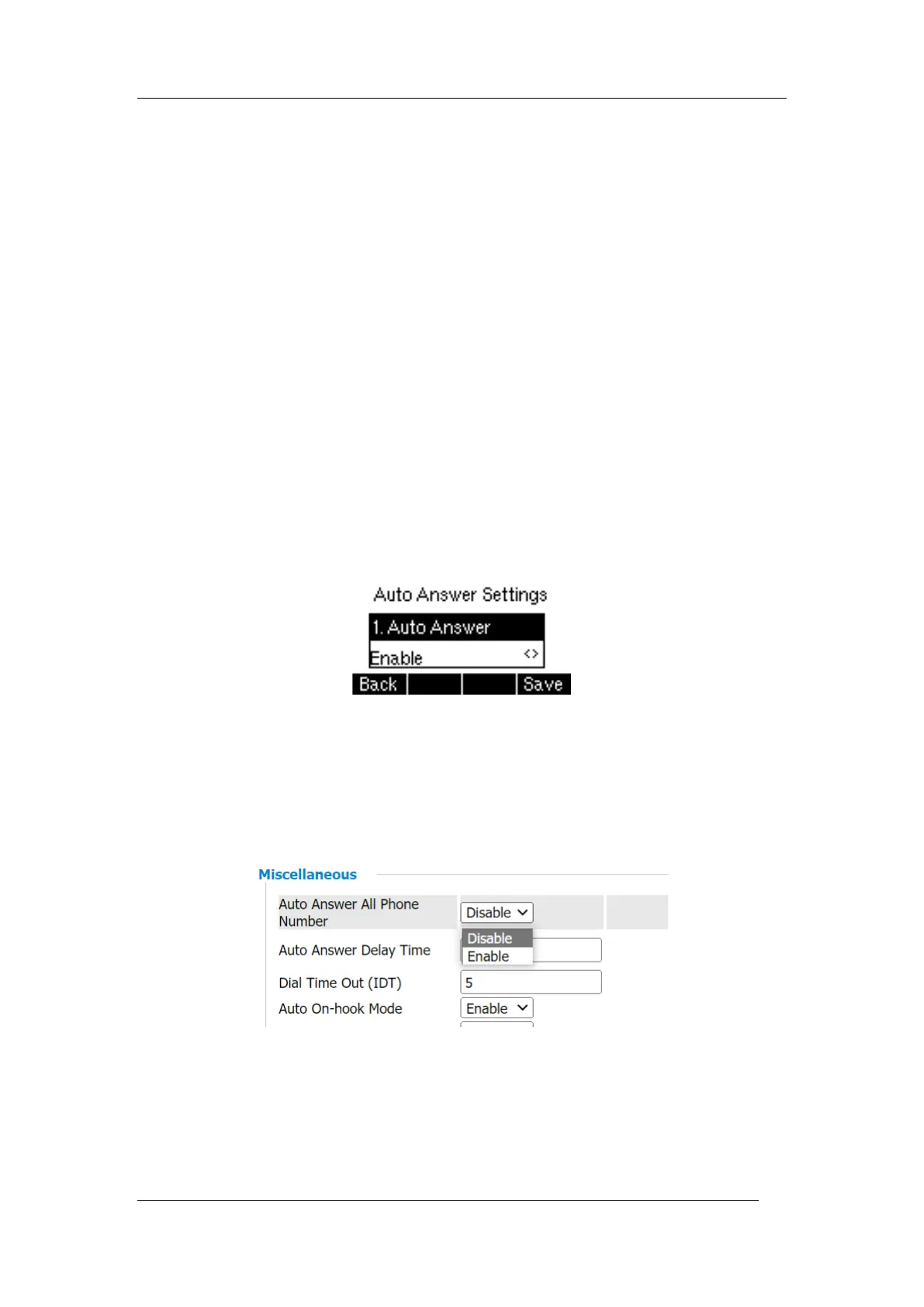
Phone interface
Procedure
1. Navigate to Menu > Features > Auto Answer > Auto Answer Settings.
2. Enable the Auto Answer.
3. Select OK.
Web interface
Procedure
1. Navigate to Phone-> Preferences-> Miscellaneous->Auto Answer All Phone Number
-> Save & apply
3.3 Disabling Call Waiting
If the call waiting feature is disabled, when there is already a call, the new incoming call will
be rejected automatically.
Procedure



 To Next Page