Chapter 2 Getting Started
Flyingvoice Network Technology Co., Ltd. 16
3. Click Save & Apply to save the operation
Disable the account via the web interface:
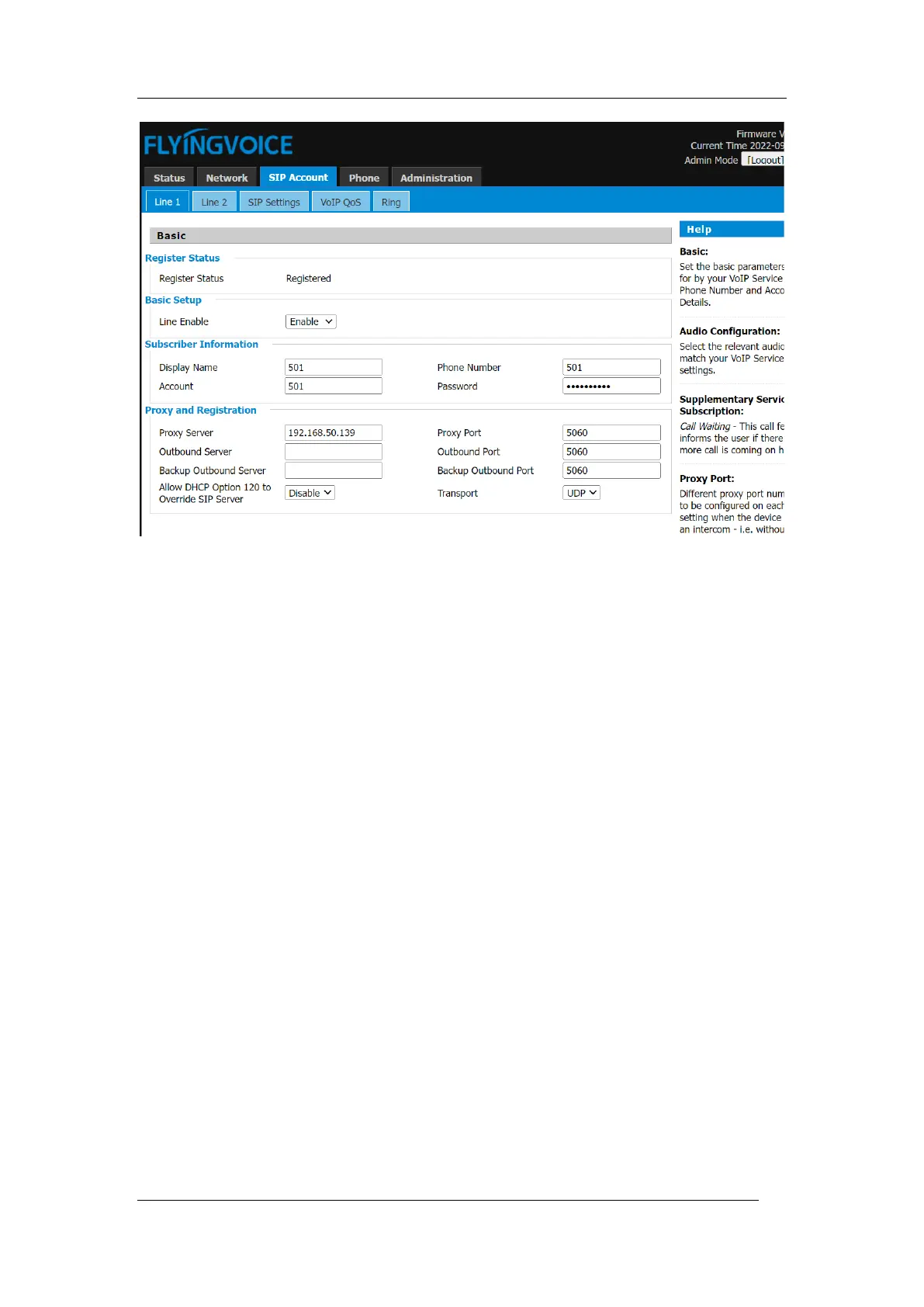
1. Click SIP Account->Line x, drop down and select Account Disable
Tips
Incorrect network settings may cause the network to be unavailable and may also have an
impact on the performance of the network. To learn more about the parameters, please
consult your system administrator.



 To Next Page