24
Installation and Operation Manual
SystemsSystems
2001 and 2002
SYSTEM RESET
During calibration procedures, it may be
necessary to return the system to the original
factory default settings. To return to the factory
default values, enter calibration and setup mode
as previously described. Immediately after
entry into calibration and setup mode, prior to
pressing any other button, depress the and
simultaneously. This action will return the
system to the factory default settings. Proceed
with calibration and setup after performing this reset.
NOTE: If using the Dual Tank Option on the
controller and Reset is used, the Dual Tank
default will need to be reconfigured.
FLOWMETER CALIBRATION
NOTE: It is critical that an accurate flow
measuring device be used to measure the
water flow to calibrate the flowmeter(s). Use a
suitable size smooth bore nozzle and an
accurate Pitot Gauge instrument. Hand held
pitot gauges are usually not very accurate. At
the first available opportunity make sure the
system is calibrated with an accurate flow
measuring device. Determine the water flow
normally expected from that flowmeter
discharge outlet. For example, actually
establish a flow of 150 gpm [568 L/min.] of
water through a nozzle and Pitot system.
Enter Calibration and Setup mode using the
method previously described. Press the
"SELECT" button and illuminate the light under
“FLOW”. The current water flow rate will be
displayed. Press the or button to set the
reading to match the actual flow calculated from
the Pitot gauge reading. Decrease fire pump
pressure by approximately 1/2 and recalculate
water flow rate. Verify that reading on the
Digital Display Control Module is the same as
the calculated value. Stop the water flow when
the reading adjustments are completed.
To lock the settings, exit Calibration and Setup
mode by depressing and releasing the switch
inside the cover screw opening. The display will
show a zero until any function button is pressed.
SIMULATED FLOW
The default Simulated Flow value should be
adjusted while operating in Calibration and
Setup mode. Enter Calibration and Setup Mode
using the method previously described. Press
the SELECT button until the light under FLOW
is illuminated. Pressing both the and
buttons simultaneously will display the
default simulated flow reading. Adjust the
setting by pressing the or buttons to set
the desired rate, i.e., “ 100”. After the rate has
been set, press the and buttons
simultaneously again to return to Calibration
and Setup mode.
This setting will remain in the computer memory
and be the default rate for all future Simulated
Flow operations.
Exit Calibration and Setup mode as previously
described.
FOAM CONCENTRATE INJECTION RATE
When power is supplied to the FoamPro
system, the foam concentrate injection rate in
memory will be the default injection rate setting.
The default concentrate injection rate can be
adjusted by entering Calibration and Setup
mode as previously described.
Use the SELECT button to illuminate the lamp
below “%”. The display will show the current
default concentrate injection rate stored in the
computer memory as “
PC x.x
”. The or
buttons can be used to set the desired
concentrate injection rate. Set this rate to the
foam concentrate injection rate used most
frequently in operation.
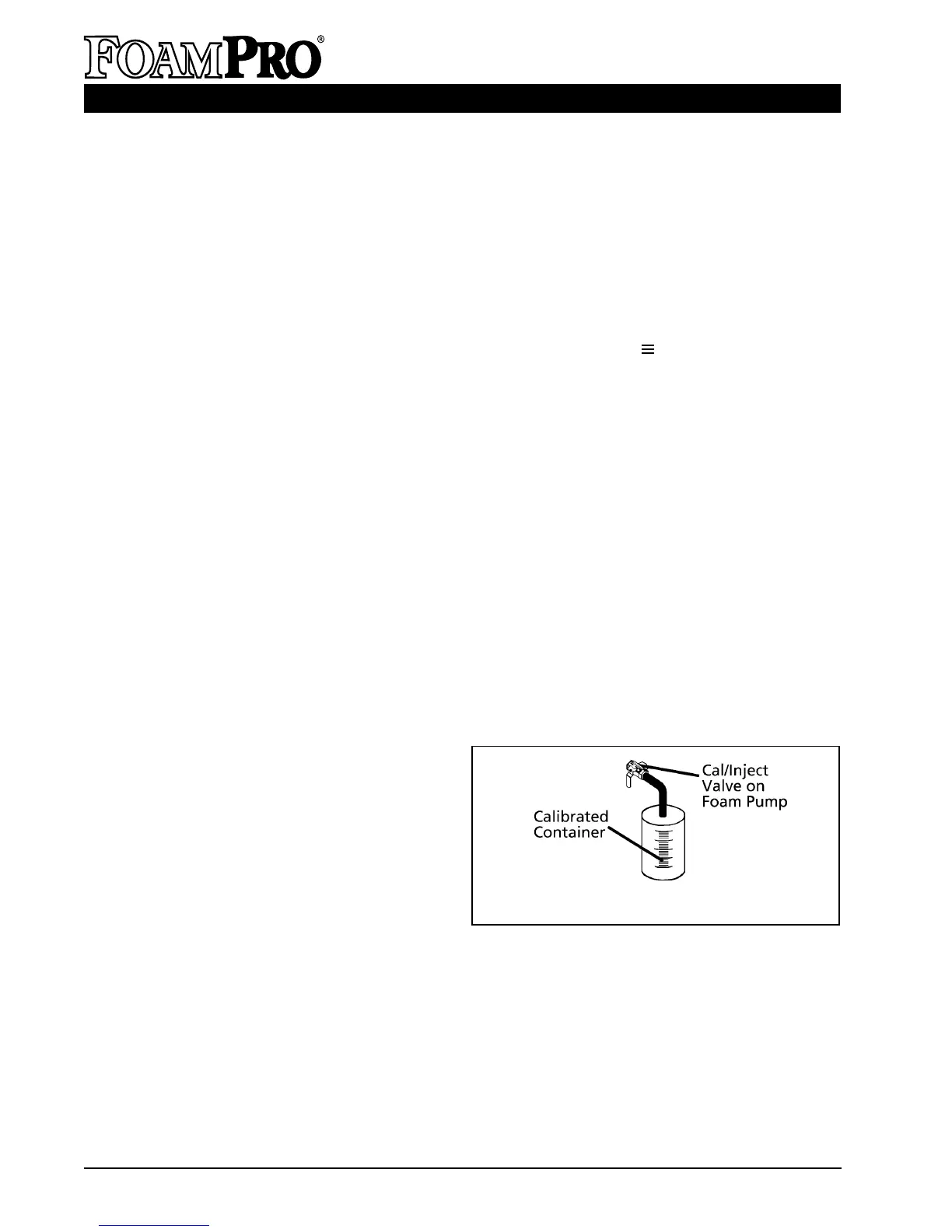
Figure 25. Foam Concentrate Collection
➯
➯
➯
➯
➯
➯
➯
➯
➯
➯
➯
➯



 To Next Page