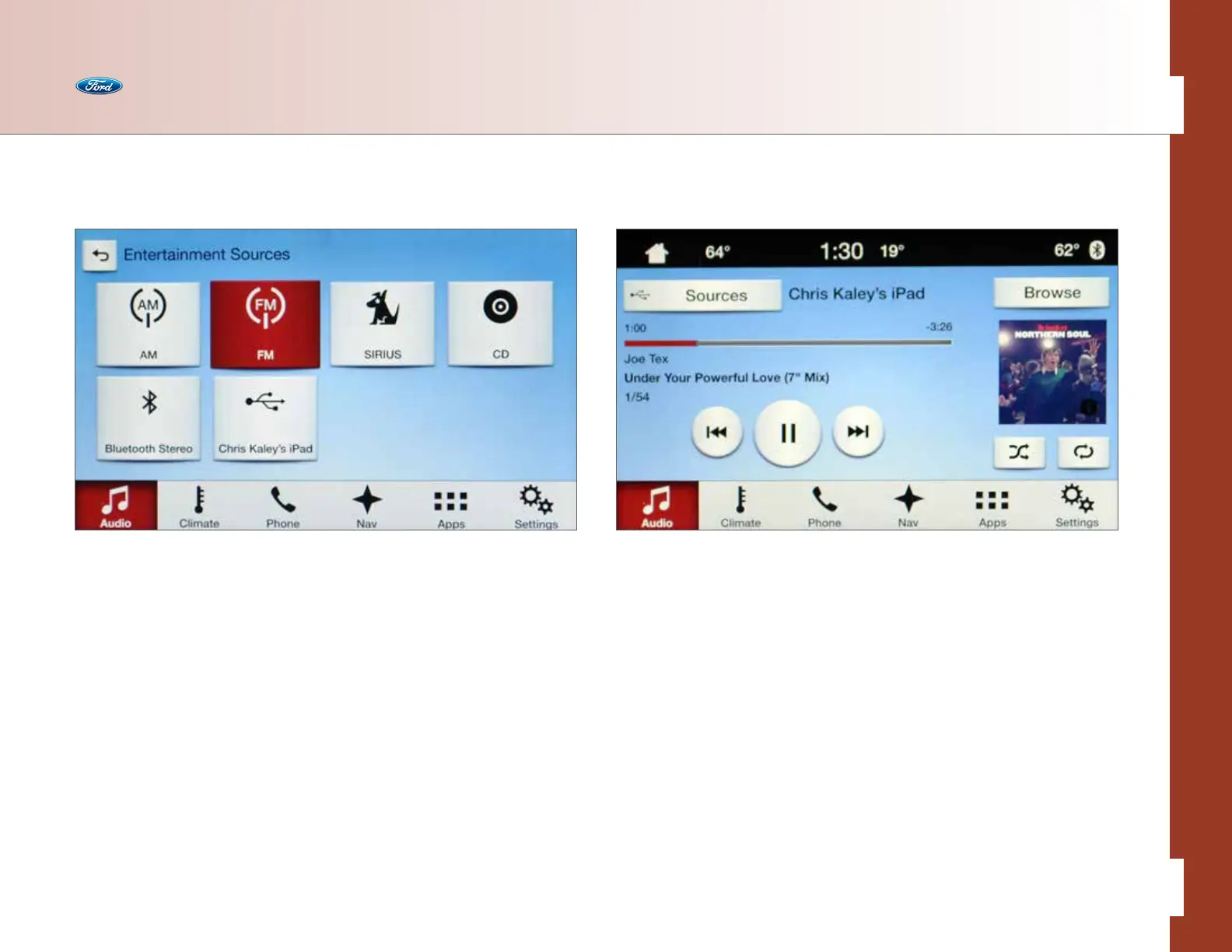
Available With What You Bring In
• CD — select to access the CD screen to Advance, Reverse, Scan, Shue or
Repeat, plus Browse to select a particular track from the screen
• USB — select to access a music source plugged into the USB port of the media
hub, such as a phone, digital media player or thumb drive
• Bluetooth
®
Stereo — select to access audio streaming wirelessly from a
paired, Bluetooth-enabled mobile phone with wireless command/control
and metadata display (artist, title, album art). Command/control is a
phone-dependent feature
Sources
The Audio button provides easy access to all entertainment sources — some built
into the vehicle (like the radio) and others brought into the vehicle for access,
such as personal media devices. Access is simple through either voice commands
or touch.
Equipped With the Vehicle
• AM — select to access AM 1/AM AST frequency bands, plus (where available)
access subscription-free HD Radio
TM
Technology multicasting (HD1–HD8)
along the AM bandwidth spectrum
• FM — select to access FM 1/FM 2/FM AST frequency bands, plus (where
available) access subscription-free HD Radio Technology multicasting
(HD1–HD8) along the FM bandwidth spectrum
• SIRIUS — select to access available SIRIUS 1/SIRIUS 2/SIRIUS 3 (6-month
trial subscription with available pay plans for 1-, 2- or 3-year contract)
Note: AST stores the 6 strongest stations in your current location.
Audio
32 of 76
SYNC
®
3 TECHNOLOGY INFORMATION BOOK



 To Next Page