4 of 76
SYNC
®
3 TECHNOLOGY INFORMATION BOOK
Getting Familiar
Optimize Your Experience
To optimize your experience using SYNC 3, here are two SYNC 3-compatible
devices to have with you:
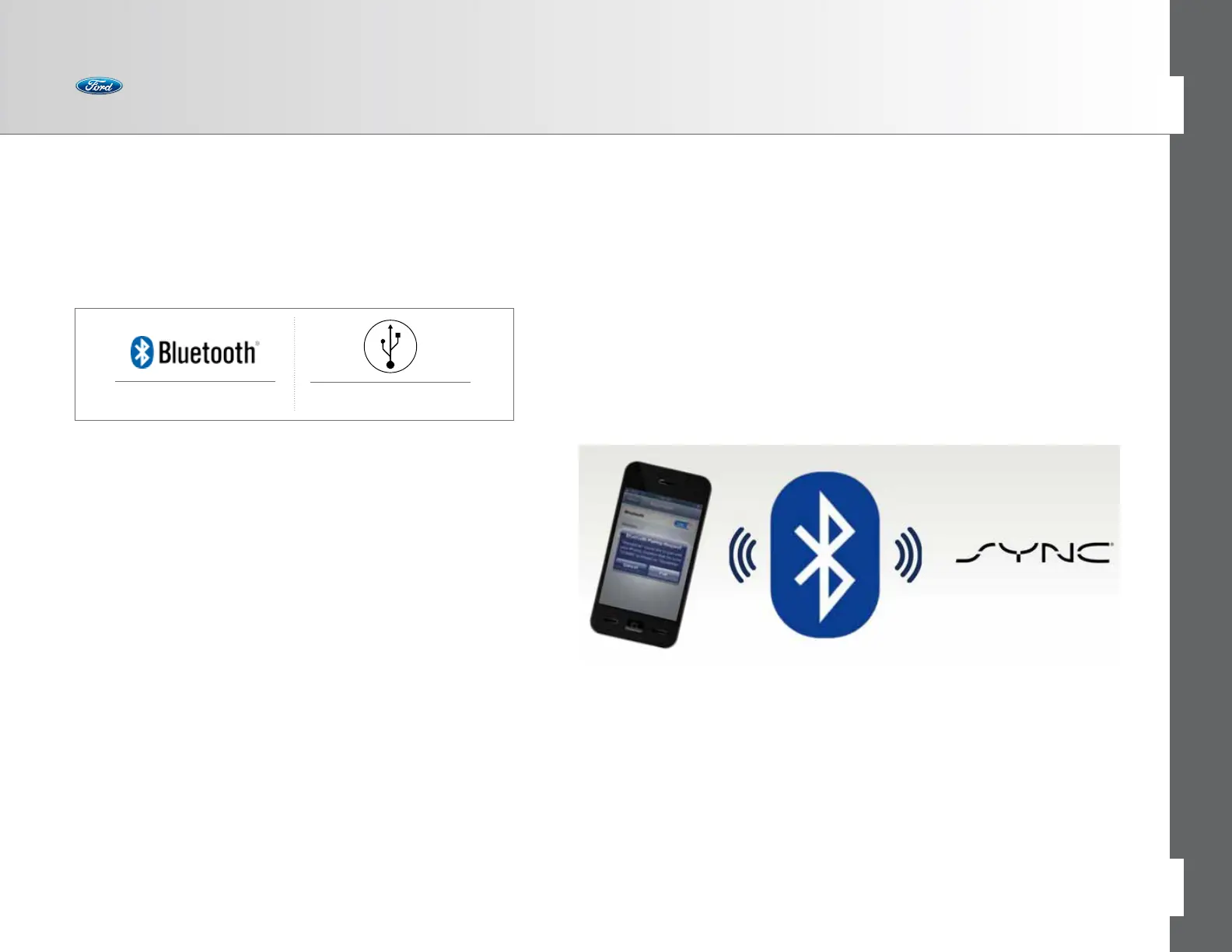
Bluetooth is the wireless technology that is used to connect your vehicle with
your phone or other compatible devices. For details on compatible devices, visit
owner.ford.com to view a dynamic device compatibility tool that is frequently
updated by listing device compatibility with the latest technology on the market.
When helping customers at new vehicle orientation, or anytime during the owner-
ship experience, remember how important their Bluetooth-enabled phone is. With
a paired and connected phone, owners can:
• Make hands-free calls
• Stream audio via Bluetooth
• Access popular smartphone apps
• Have SYNC 911 Assist
®
connect directly to an operator
Without the phone, it is not possible to use any of these features.
That’s why the Bluetooth connection is so vital for the system to work properly, and
for the customer’s device to be working properly. Think of Bluetooth as a two-way
street connecting the phone to SYNC 3 and vice versa.
Bottom line: If owners are experiencing connectivity issues, it may have nothing to
do with SYNC 3 and something to do with their phone.
Bluetooth
®
-enabled Phone Digital Media Player



 To Next Page