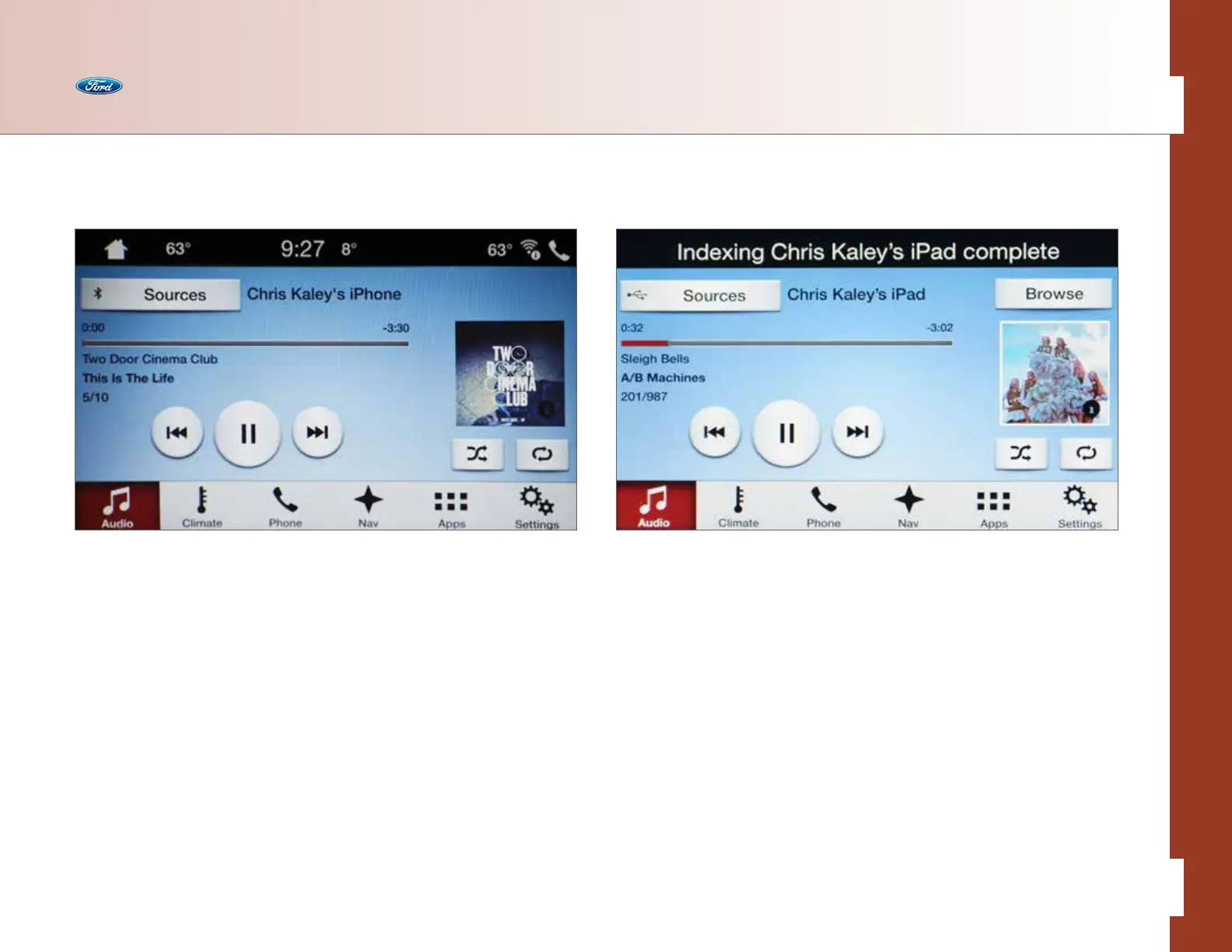
Indexing
Indexing is the way SYNC 3 categorizes the music it finds on your media player.
By indexing the music, SYNC 3 can play selections by track, artist, album or genre
categories. SYNC 3 automatically indexes your music every time a media player with
new music on it is connected to SYNC 3 through the USB port. This may take only a
few seconds, but if your player holds thousands of songs, indexing may take longer
to complete.
USB
The USB ports are inside your center console (exact location varies by vehicle),
and you can control your USB-connected personal devices with voice commands
or touch. This feature allows you to plug in media playing devices, thumb drives,
and also to charge devices if they support this feature. You can use USB 1 or USB 2.
Ensure that you have the correct one chosen on-screen. The name of the device
appears on the screen when connected.
• Press the Audio button
• Press Sources
• Select the plugged-in USB Device Name (supports 2 devices). You can
then select from the following options:
– Repeat: Select to repeat the currently playing song/album
– Shue: Select to play music on the selected album or folder in random order
– Info: Provides on-screen info of what’s currently playing
– Browse: Select to browse the contents of the flash drive or digital music
player connected to the USB port
Audio
37 of 76
SYNC
®
3 TECHNOLOGY INFORMATION BOOK



 To Next Page