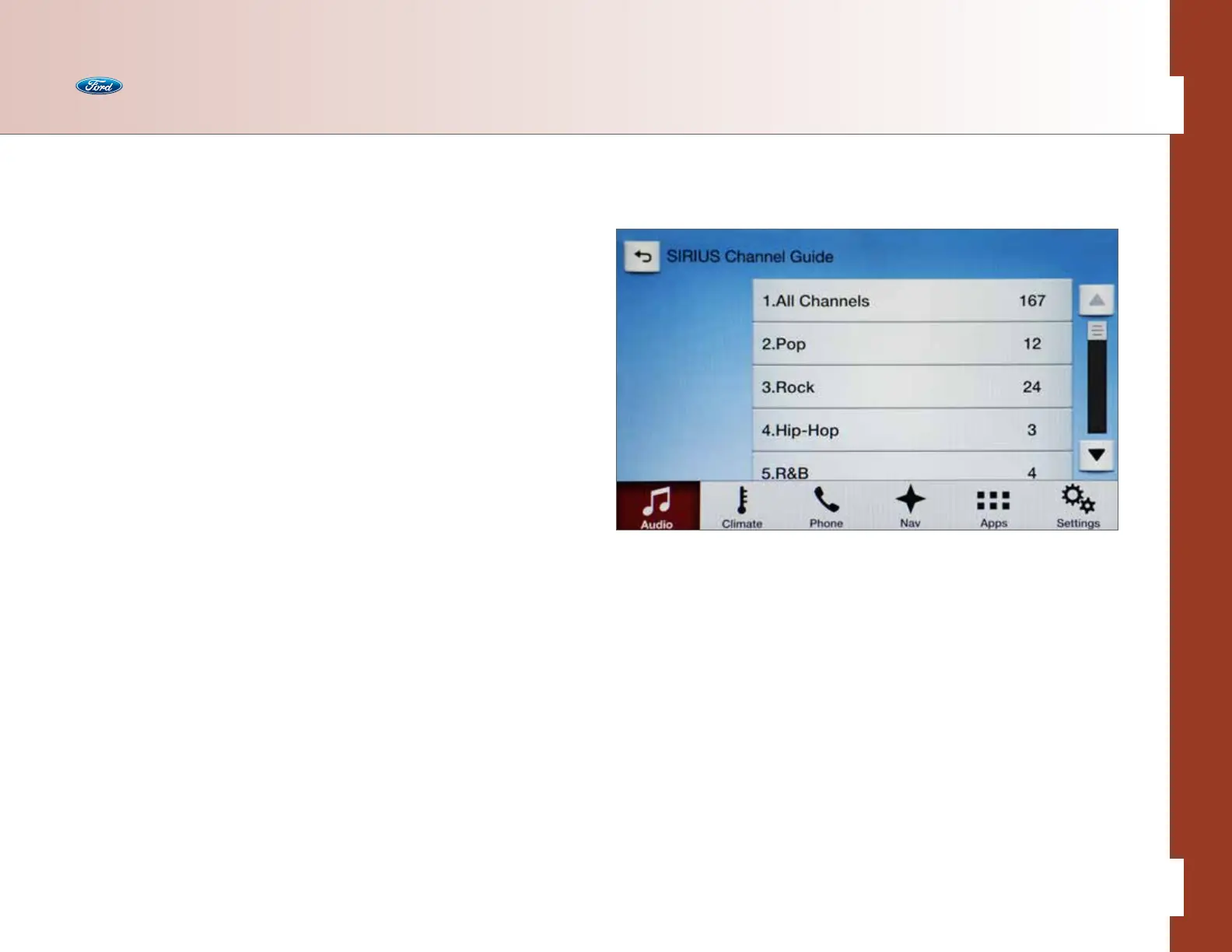
SIRIUS Settings
You can access more settings. First the audio must be set to SIRIUS mode.
• Press the Settings button
• Press SIRIUS:
– Set Category for Seek – allows you to customize how the Seek function operates:
• All Channels
• Pop
• Rock
• Hip-Hop
• R&B
• Dance & Electronic
• Country
• Christian
• Sports
• Jazz/Standards
• Classical
• Sports
– Parental Lockout – allows you to set a PIN to lockout certain channels
– Edit Alerts – allows you to set Alerts on or o
– Electronic Serial Number (ESN)
Consult your Owner’s Manual for more working instructions. In SiriusXM
®
Satellite Radio
mode, voice commands also provide “direct tuning” capability, which allows the owner
to readily tune to desired “home team” game broadcasts rather than knowing the
channel up front. So, for example, saying “Sports Games” and then “Tune to <Team
Name> game” or “Tune to <Team City> game” finds and directs to the channel.
Audio
36 of 76
SYNC
®
3 TECHNOLOGY INFORMATION BOOK



 To Next Page