68 of 76
Settings
SYNC
®
3 TECHNOLOGY INFORMATION BOOK
i
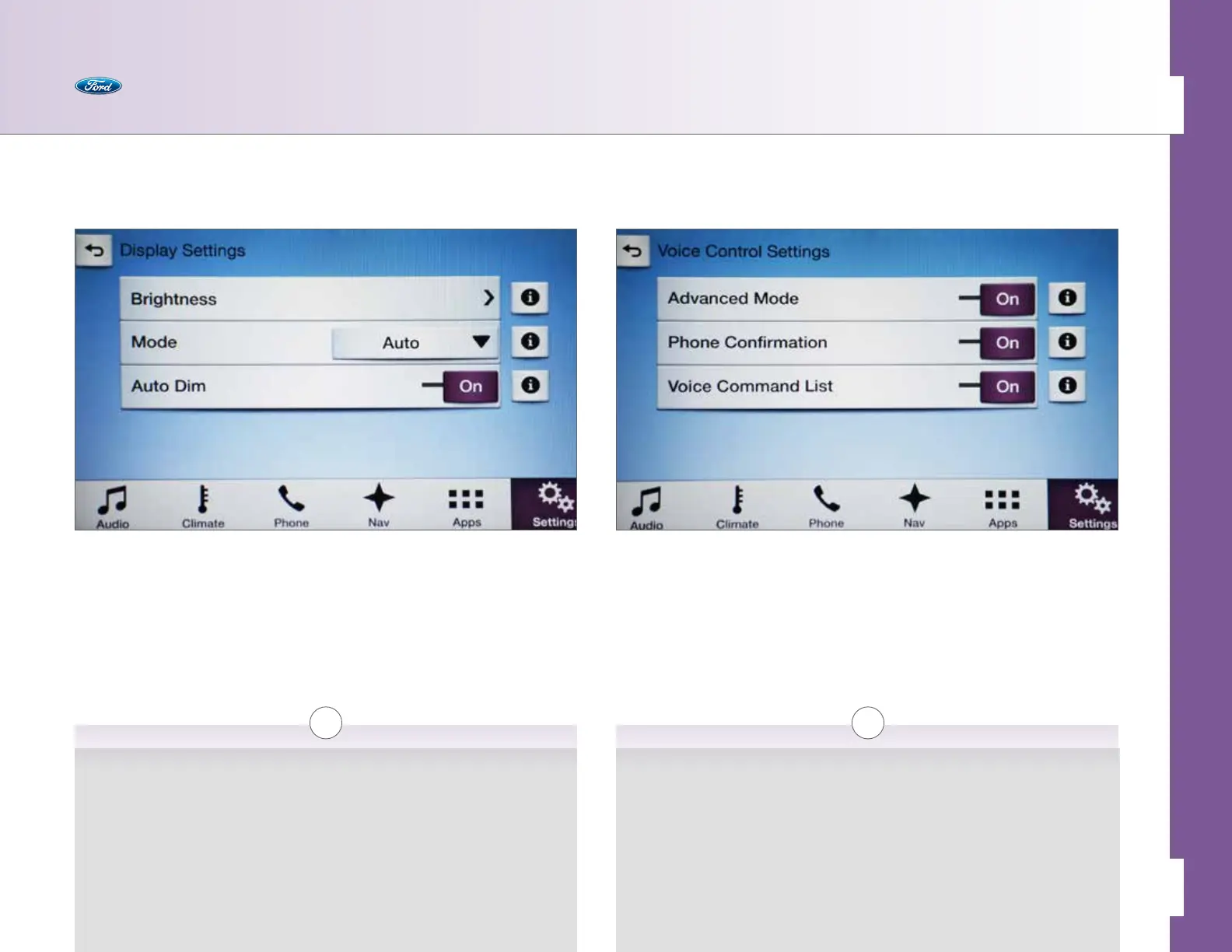
Voice Control
Use this to configure the voice experience you want in the vehicle.
• Advanced Mode > On/O [i]
• Phone Confirmation > On/O [i]
• Voice Command List > On/O [i]
Advanced Mode
Turning Advanced Mode on removes many voice help prompts and allows you
to start speaking sooner.
Phone Confirmation
If enabled, SYNC will confirm the contact name before making the call.
Voice Command List
If enabled, SYNC will display a list of valid commands when listening for a
voice command.
i
Display
Use this to control the type of display you want.
• Brightness [i]
• Mode > Auto/Day/Night/O [i]
• Auto Dim > On/O [i]
Brightness
Manually adjust the brightness of the touch screen.
Mode
Set the color mode of the touch screen (Day/Night), enable automatic
adjustment of the color mode or turn the display o.
Auto Dim
Enable or disable automatic dimming of the display brightness based on
ambient lighting conditions.



 To Next Page