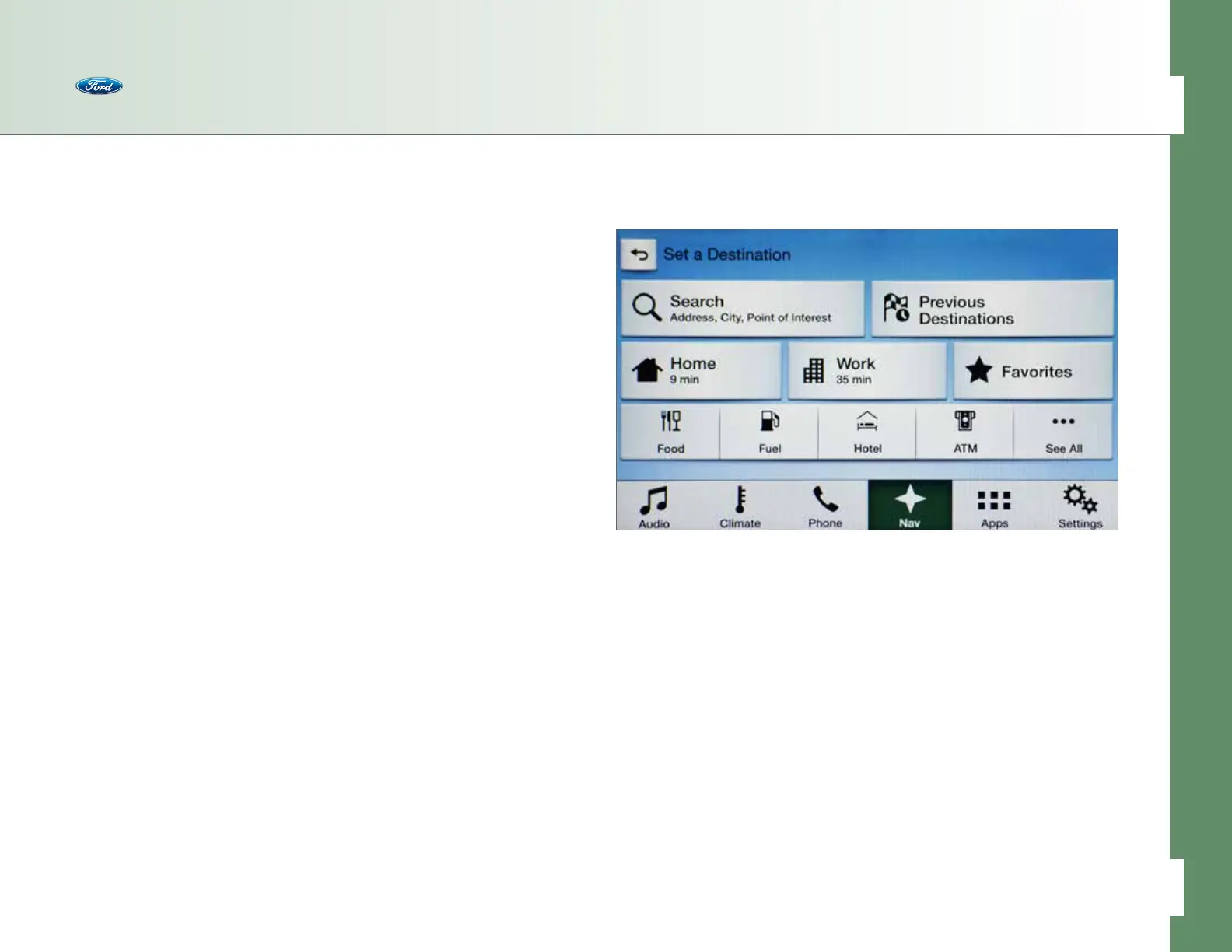
Setting a Destination
Use either the touch screen or voice commands and follow this sequence.
To Set a Destination
• Press the Nav button
• Press Destination
• Choose to set a destination using any of the following:
– Search – use the one-box field to type an address, city or point of interest (POI)
– Previous Destinations – pick from a list of previous places
– Home – requires to be set up first (see page 48)
– Work – requires to be set up first (see page 48)
– Favorites – destinations saved into the system
– POIs:
• Food
• Travel
• Financial
• Shopping
• Entertainment
• Health
• Community
• Automotive
• Domestic
• Recreation
• Follow the prompts and enter any necessary information
• Once a destination is located, press either Save or Start
Note: Any Avoid Areas which have been selected are also considered in route calculation.
SYNC 3 locks out the ability to manually type in an address when the vehicle is traveling
more than 3 mph, but destination entries can be input using your voice with the simple
command “Find an address,” “Find a <point of interest>” or “Find a <POI category>”
such as “Find a shoe store.”
Navigation
41 of 76
SYNC
®
3 TECHNOLOGY INFORMATION BOOK



 To Next Page