FortiGate Voice web-based manager configuration reference Dashboard widgets
FortiGate Voice Version 4.0 Administration Guide
01-400-112851-20100127 27
http://docs.fortinet.com/ • Feedback
FortiGate Voice web-based manager
configuration reference
This section describes FortiGate Voice web-based manager configuration settings. For
information about other FortiGate Voice web-based manager settings, see the FortiGate
Administration Guide or the FortiGate Voice online help.
• Dashboard widgets
• Configuring VoIP interface settings
• Configuring PSTN interfaces
• PBX configuration
• Logging of PBX activities
Dashboard widgets
There are two specific Dashboard widgets that contain valuable information at a glance
about the operation of your FortiGate Voice unit and PBX disk usage. The following
explain these widgets, the Unit Operation widget, and the System Resources widget.
Unit operation dashboard widget
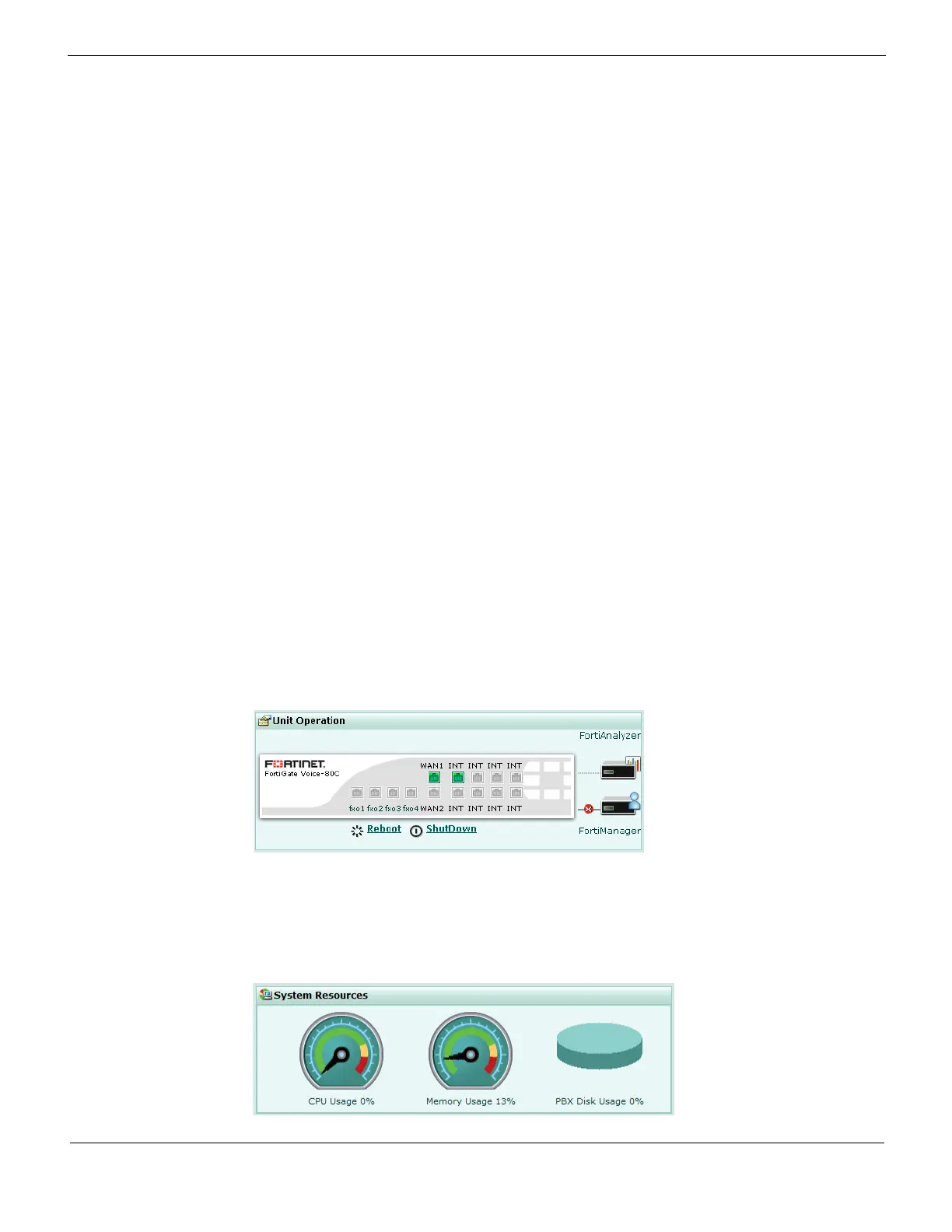
Go to System > Status and view the Unit Operation widget to see the status of the
FortiGate Voice unit and its Ethernet and FXO interfaces.
Figure 3: FortiGate Voice Unit operation widget
System resources dashboard widget
Go to System > Status and view the System Resources widget to see the status of the
amount of disk space left for the storage of PBX activities and events.
Figure 4: System Resources widget displaying the percentage of disk usage for PBX



 To Next Page