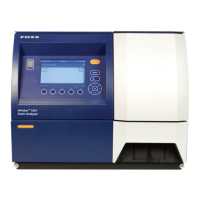
NIRS™ DA1650
4:12 User Manual 6008 1286 / Rev. 8
Instrument Calibration
1. Place the EWC tool in the instrument with the help of the small cup holder and
close the lid.
2. Insert the EWC USB key in the USB port on the back panel.
3. Select Instrument Calibration and press Calibrate.
Fig. 4:20
4. Running instrument calibration requires you to enter the 4-digit password
"1234" (preventing un-intentional start of the calibration sequence).
Fig. 4:21
5. If the EWC key is not properly connected to the instrument, a message will
appear.
Fig. 4:22
6. Press Continue and wait for calibration to complete.



 To Next Page