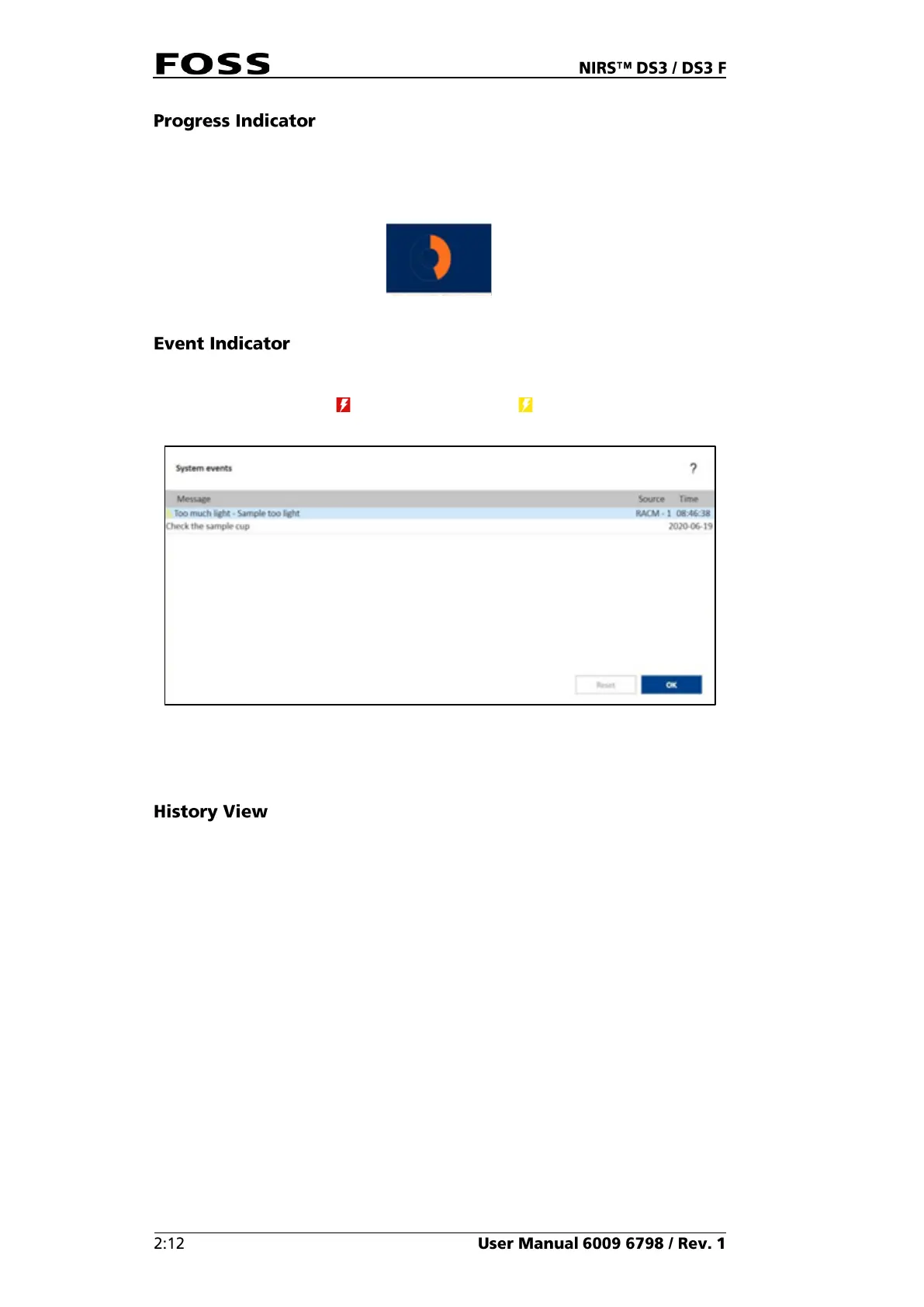
The Progress indicator shows the progress of the instrument scanning. The results
will be displayed when all calculations are completed. This may be a couple of
seconds after the progress indicator is filled.
Fig. 17
Should there be an unexpected error or an opened lid during an analysis, it will be
shown with a colour indication in the lower left corner of the screen (see Fig. 13).
Errors are indicated in red and warnings in yellow . Press the event icon to
access the System Event dialogue with an event log.
Fig. 18
Once the event has been read, press Reset to clear the event log. For detailed
information, see the Help file in ISIscan Nova.
The History view (Fig. 19) gives a list of the previously analysed samples for the
selected product. Click on any sample in the list to see the detailed view for that
specific sample.


 To Next Page
 Loading...