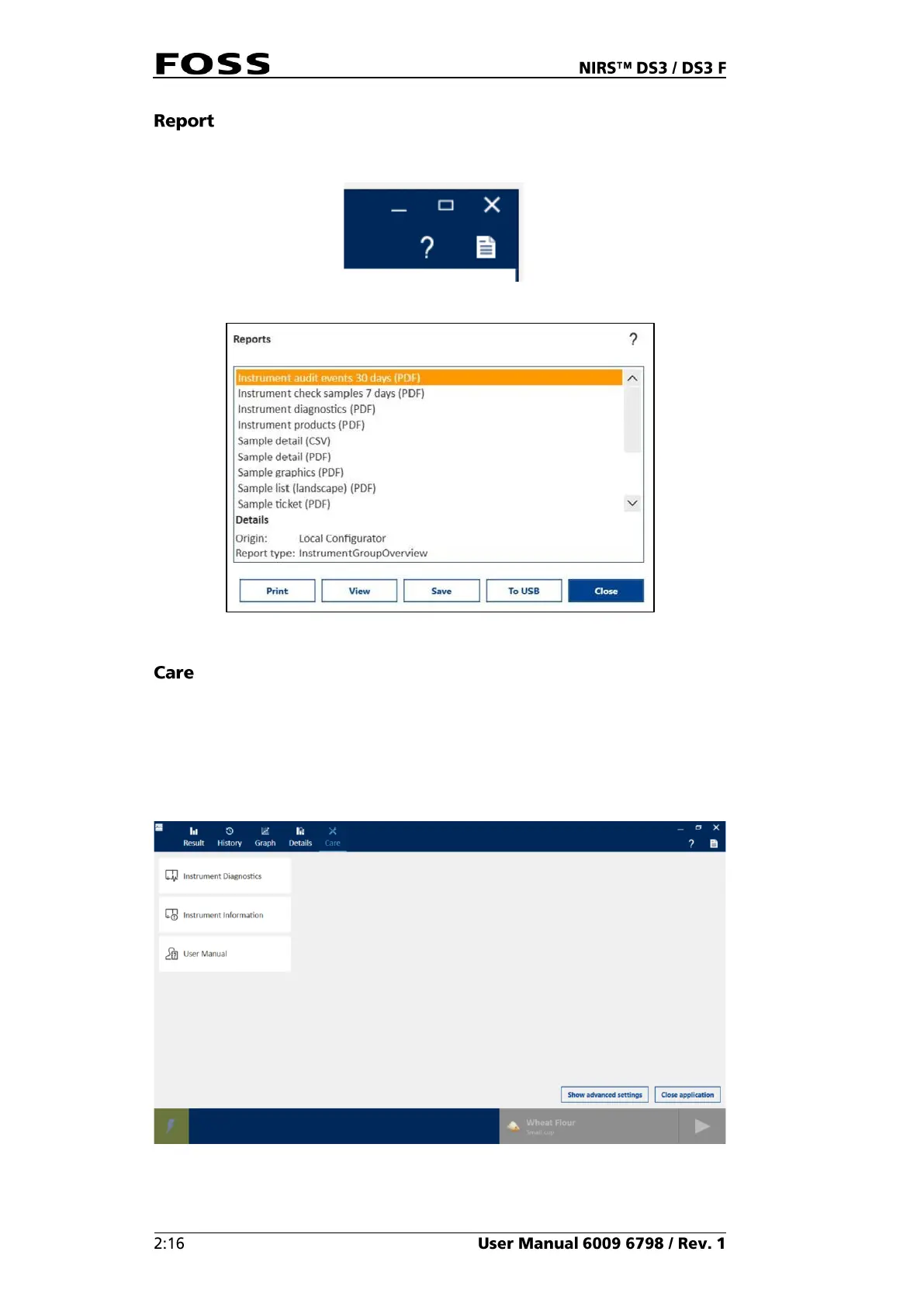
The Reports function (pos. 6 in Fig. 12) enables printing and export of results
according to predefined templates.
Fig. 24
Fig. 25 Reports
The Care menu (Fig. 26) is used for operations that are not related to routine
analysis, such as shutting down the software or running instrument diagnostics.
Usually only five buttons are available, but more buttons can be displayed by
clicking Show Advanced Settings. See the chapter 4 Operating Instructions for
more information.
Fig. 26 Care



 To Next Page
 Loading...