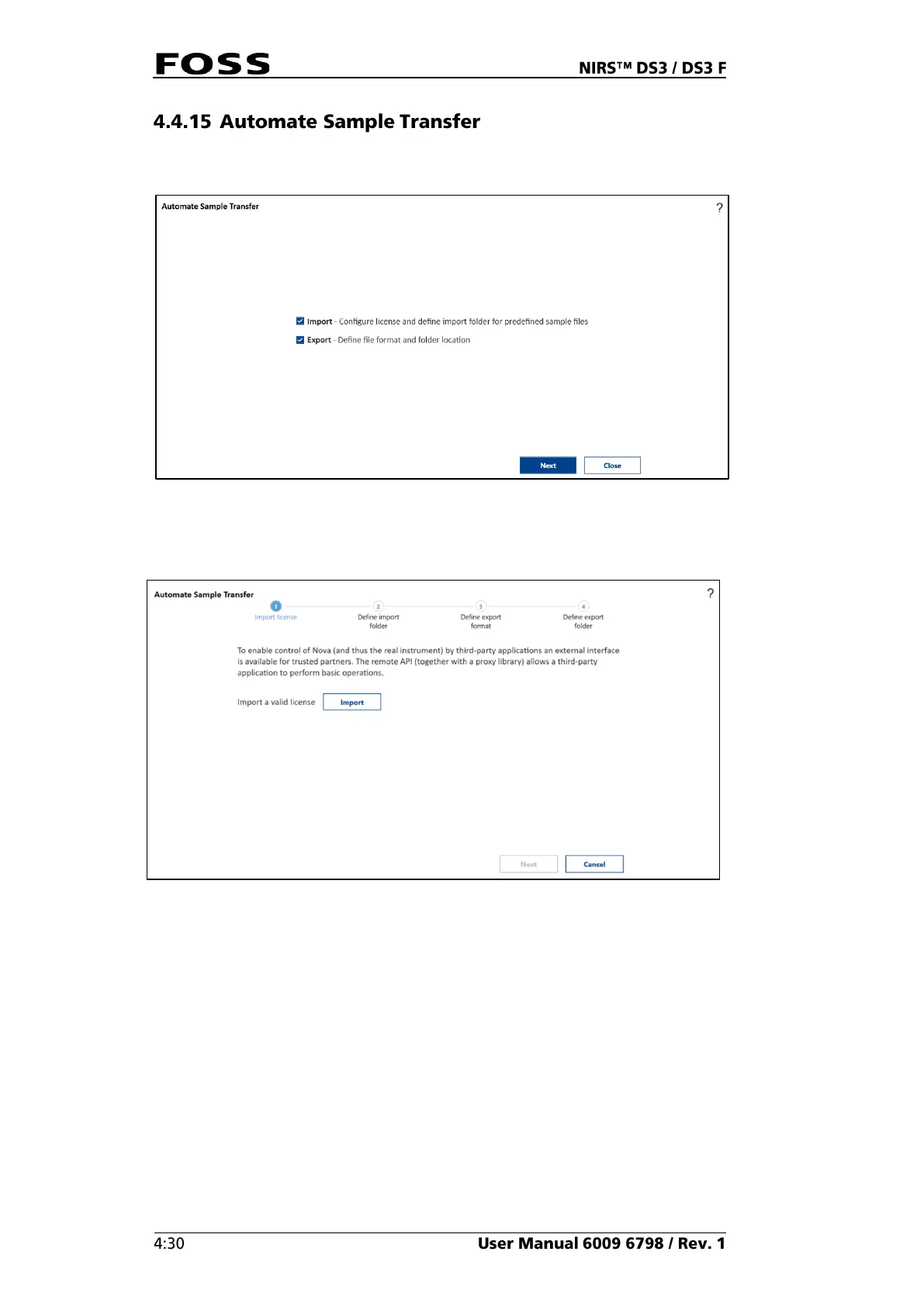
This is a wizard that helps to set up Export and/or Import of sample data.
Fig. 92 Automate sample transfer
Tick the appropriate box for setting up import or export or both.
Fig. 93 Import License
To use the import function is a license required, this will activate the import
function. Imported samples will show up in the history view or be analysed
automatically depending on the settings in the import file.


 To Next Page
 Loading...